Scrypted Review 2026: Is It Worth It for HomeKit Cameras?
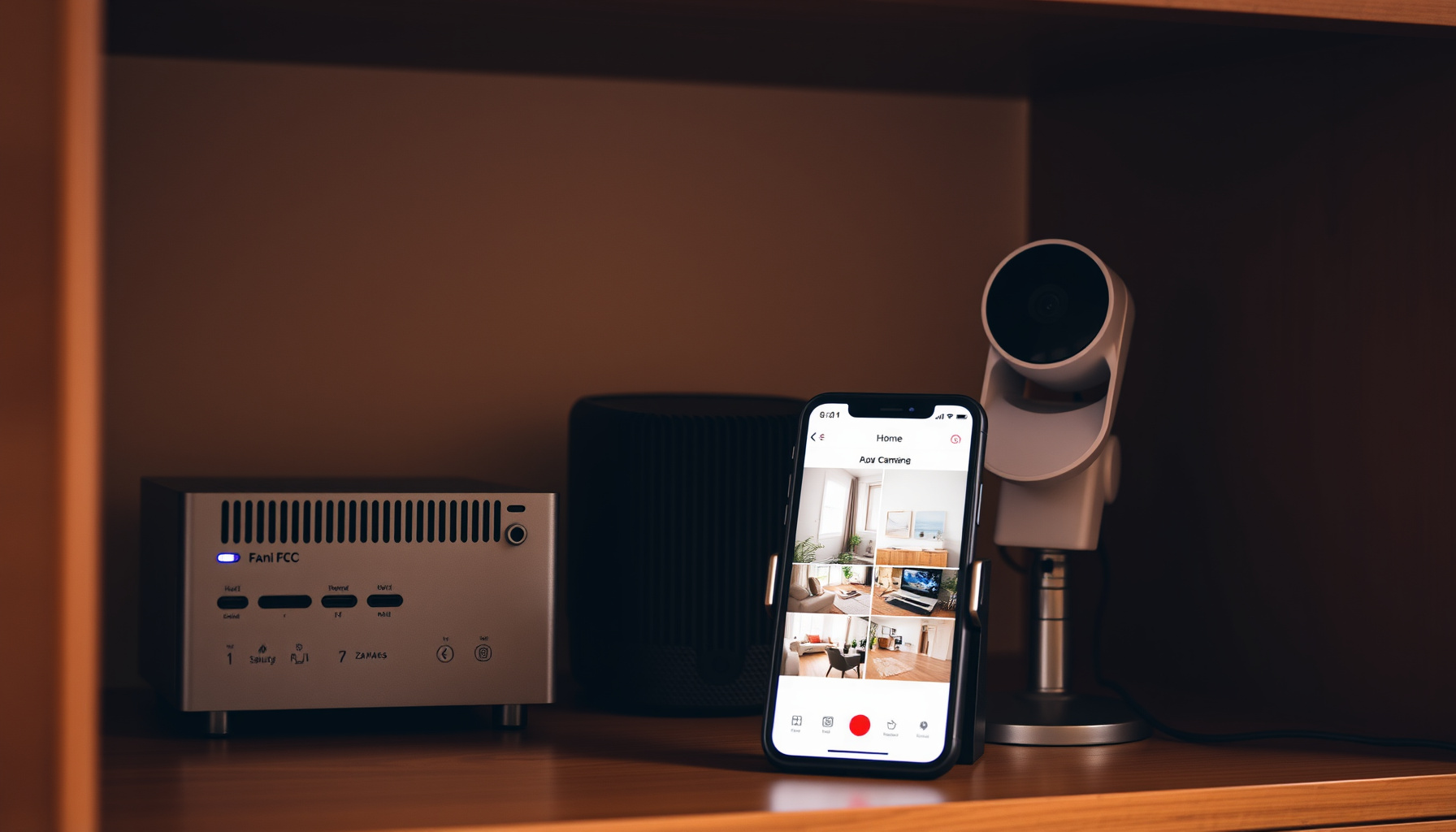
Is Scrypted worth it for HomeKit cameras? Yes, if your cameras speak RTSP or ONVIF locally — the core is free and open source (Scrypted’s official documentation). It is not worth it for cloud-only cameras like Ring, Nest, or Arlo, which the docs list as unsupported for its NVR.
How We Tested
This review is based on official documentation, pricing pages, and community reports — we did not run the tool hands-on. We worked from Scrypted’s official docs, the official billing portal, and the project’s GitHub repository. We did not assess hands-on streaming, NVR recording, camera pairing, or HomeKit pairing. Last reviewed: September 2026.
What does Scrypted actually do?
Scrypted is a plugin-based platform that receives streams from a range of cameras and sends them to HomeKit, Google Home, Alexa, and Home Assistant, according to Scrypted’s official documentation. The core is free and open source; the paid piece is Scrypted NVR, a plugin for 24/7 recording, smart detections, notifications, and mobile plus desktop apps (Scrypted NVR documentation).
Is Scrypted worth it for HomeKit cameras?
Yes — for HomeKit cameras that expose a local RTSP or ONVIF stream, because Scrypted bridges them into the Home app with HomeKit Secure Video support (Scrypted’s HomeKit documentation). HKSV needs a HomePod or Apple TV as a hub, and people, car, and package detection runs entirely on that hub — so no extra AI accelerator is needed.
What does Scrypted NVR cost, and how is licensing structured?
Scrypted NVR is a paid plugin sold as a subscription, and the official billing portal states the base subscription includes 4 camera licenses, with additional licenses available for $10 each at checkout (billing.scrypted.app). Licensed-camera features analyze footage for people, vehicles, animals, and packages and notify the mobile app.
A free trial exists, and the docs recommend verifying your cameras in the free version before starting the NVR trial (fulfillment policy).
Which cameras qualify for Scrypted NVR?
Local RTSP cameras qualify, typically ONVIF plus RTSP using H.264, per Scrypted’s server hardware documentation. Not officially supported — and possibly working to varying degrees — are cloud cameras like Ring, Google/Nest, and Arlo; non-native RTSP cameras like Wyze; non-manufacturer custom firmware like Thingino; and battery-powered cameras. Subscriptions for unsupported hardware are not eligible for technical assistance or refunds (fulfillment policy).
What server hardware does Scrypted NVR need?
Scrypted NVR needs a wired server with a supported CPU and a drive of at least 1TB, per Scrypted’s server hardware documentation. Raspberry Pi 4 and low-performance NAS are not recommended. CPU baselines: Windows 9th-gen Intel or AMD equivalent, Linux 6th-gen or AMD equivalent, or macOS Apple Silicon.
Rough capacity: a Dell Wyse 5070 on Proxmox/Docker handles about 5 cameras, an Intel N100 about 12, and a Mac Mini 16GB or Intel Core Ultra 125h over 20.
How does installation and remote access work?
Scrypted runs on Mac, Windows, Proxmox VE, and Linux via Docker, and Proxmox VE is the recommended host for dedicated Intel/AMD servers (installation documentation). It will not work in Docker Desktop for Mac or Windows because --network host is unavailable, and Home Assistant OS is not recommended for NVR due to limited storage.
Proxmox offers a dedicated LAN IP, fewer host-networking conflicts, simple drive setup, and automatic iGPU passthrough. For remote access, install the Scrypted Cloud plugin and link an email account (Scrypted’s access documentation).
Who it’s for, and who should skip it
Scrypted suits homeowners with local ONVIF/RTSP cameras who want HomeKit or Home Assistant integration without vendor lock-in — see our guide to privacy-first cameras without Ring or Wyze. Skip it if you rely on cloud-only cameras, want a refundable purchase, or expect subscriber support for HomeKit questions, which the docs route to community channels like Discord, Reddit, and GitHub (fulfillment policy).
Limitations and gotchas
Cameras default to Accessory Mode, and Scrypted recommends keeping it that way: a HomeKit bridge handles only one request and response at a time, so the docs’ worked example shows 10 cameras on a bridge at 500 ms per snapshot delaying further requests by up to 5 s (Scrypted’s HomeKit documentation).
HKSV also requires a camera with a motion sensor plus specific codec settings. All NVR sales are final and non-refundable, cancelled subscriptions run to the next renewal date without proration, and subscriber support covers the NVR product only (fulfillment policy).
Storage-wise, Scrypted’s server hardware documentation recommends surveillance drives, because flash drives and SD cards corrupt quickly under high write volume — and if the server has Wi-Fi, disabling it is recommended. Note that Google Home streaming targets Nest Hub, Chromecast, Android TV, and the Google Home Android app; iOS is not supported (scrypted.app).
FAQ
Do I need a HomePod or Apple TV for Scrypted HomeKit cameras?
Yes. HomeKit Secure Video requires a HomePod or Apple TV as a home hub, and people, car, and package detection runs entirely on that Apple hub, per Scrypted’s HomeKit documentation. That also means AI accelerators like a Coral are unnecessary for HKSV, though the camera still needs a motion sensor and specific codec settings.
Does the Scrypted Cloud email log me in everywhere?
No. Linking an email through the Scrypted Cloud plugin only reaches the server and does not provide SSO — a separate local account is required, per Scrypted’s access documentation. The docs note that cloud-auth compromise or a routing or caching issue could otherwise expose cameras, so the local login acts as the backstop.
Can I use Ring or Nest cameras with Scrypted NVR?
Not officially. Scrypted NVR supports local RTSP cameras, typically ONVIF plus RTSP using H.264, and cloud cameras like Ring, Google/Nest, and Arlo are listed as unsupported, per Scrypted’s server hardware documentation. They may work to varying degrees, but subscriptions for unsupported hardware are not eligible for technical assistance or refunds.
Conclusion
So, is Scrypted worth it for HomeKit cameras? For local ONVIF/RTSP hardware on a wired server, yes — the free core bridges cameras into HomeKit with HKSV, and the paid NVR plugin adds 24/7 recording and smart detections. Skip it if your cameras are cloud-only. Compare it with our Frigate NVR setup guide or our Home Assistant setup guide.
📖 Related Reads
- ToolBrain — tool reviews, LLM comparisons, and AI workflow guides
Cross-links automatically generated from SmartHome Field Guide.
← Back to guides