SwitchBot Hub 3 Review 2026: A $119.99 Matter Bridge With a Screen
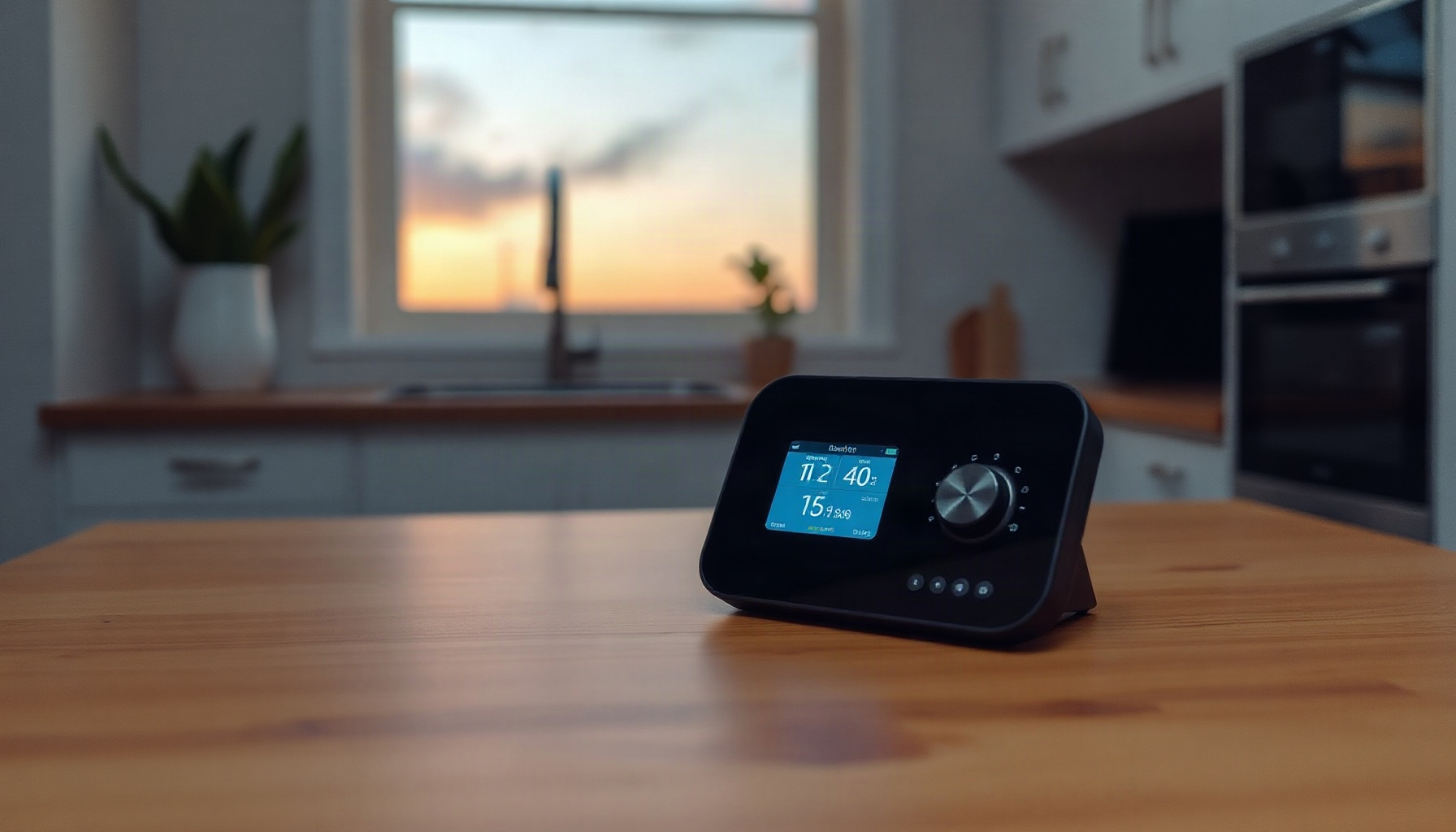
Most people comparing hubs are really asking one question: how much of my home stays mine if the vendor changes direction? The SwitchBot Hub 3 answers that question unevenly. It is a genuinely useful Matter bridge with a screen you will glance at daily, but it ships without Thread or Ethernet, and that absence quietly decides where it belongs in a house.
This review is based on official documentation, pricing pages, and community reports — we did not run the hub hands-on.
Regional pricing varies more than usual here, and warranty terms shift by market, so both are called out explicitly below rather than folded into a single headline number.
How This Post Was Built
This post was built from SwitchBot’s official product pages, its support articles on Matter compatibility, and Home Assistant’s integration documentation, with third-party reviews cited only as attributed opinion, so every specification printed here traces to a link you can open rather than to hands-on testing we did not perform.
Sources and stance: pricing and specifications come from SwitchBot’s regional storefronts and spec sheets; device compatibility comes from SwitchBot’s support desk; local-control claims come from Home Assistant’s own integration pages; the Hub 2 comparison is drawn from one official page and two secondary comparisons. Third-party reviews from How-To Geek and Mighty Gadget are quoted as opinion, not adopted as our own. There are no affiliate links in this post, and where a Hub 2 figure could not be sourced, it is marked unverified instead of estimated.
What the SwitchBot Hub 3 Is and What It Costs in 2026
The SwitchBot Hub 3 sells for $119.99 in the US and up to CA$149.99 in Canada, per the official US store and Canadian store, and it bridges up to 30 sub-devices over Matter from a chassis with a 2.4-inch screen, rotary dial, four scene buttons, 2.4 GHz Wi-Fi, and Bluetooth — with no Thread and no Ethernet.
Think of it as two products in one box: an infrared blaster and Matter gateway for existing SwitchBot gear, plus a small countertop control surface. The screen shows temperature and humidity in real time with alert sounds, the dial adjusts brightness, air-conditioner temperature, or speaker volume, and the four buttons run configurable scenes. It is a Wi-Fi client on your 2.4 GHz band, which matters if your router steers everything to 5 GHz — a caveat worth checking against our beginner’s guide to Matter before you buy.
Specs and regional pricing at a glance
- Dimensions and weight: 126 × 94 × 38 mm, 190 g, PC + ABS + metal housing.
- Power: 5V/2A adapter included; indoor operating range of −20 °C to 65 °C, with a stated 5-year service life.
- Wireless: 802.11 b/g/n 2.4 GHz Wi-Fi plus Bluetooth Low Energy. No Ethernet port, no Thread radio.
- Reach: SwitchBot describes the gateway as having 50% wider range, up to 200 meters in open space.
- Pricing: US $119.99 · International US$119.99 · EU €129.99 · UK £129.99 · Canada CA$149.99. The US page currently shows 10 customer reviews.
- Warranty: 1 year in the US and Canada, 2 years in the EU and UK.
Matter Bridging: Capacity and Device Support
Matter bridging on the Hub 3 covers up to 30 sub-devices, and SwitchBot’s official compatibility article lists the supported set — Lock Ultra, Lock Pro, Motion Sensor, Contact Sensor, Meter, Meter Pro, Meter Pro CO2, Curtain 3, Roller Shade, and thermo-hygrometer sensors — while the Hub Mini Matter bridges only four.
The hub is a CSA-certified protocol translator rather than a Thread border router: it exposes SwitchBot’s own Bluetooth and IR devices to a Matter controller over your existing Wi-Fi. That distinction is worth holding onto when reading our Zigbee vs Z-Wave vs Matter comparison, because bridging capacity, not radio type, is what you are buying here. Thirty sub-devices comfortably covers a one-bedroom setup with locks, curtains, and sensors; a whole-house install with several blinds and multiple locks will get closer to the ceiling. SwitchBot’s support documentation walks through commissioning, and the CSA’s Matter overview explains what certification actually guarantees.
Hub 3 vs Hub 2: What the Extra Money Buys
The Hub 3 raises Matter bridging capacity from 8 sub-devices to 30 and adds a screen, dial, four buttons, and presence sensing over the 2023 Hub 2, according to a Hub 2 versus Hub 3 comparison and SwitchBot’s official Hub 2 page, which shows the older hub as the first with built-in temperature, humidity, and Matter.
| Feature | SwitchBot Hub 3 | SwitchBot Hub 2 (2023) |
|---|---|---|
| US price | $119.99 (US store) | Not verified here (official page) |
| Matter bridging capacity | Up to 30 sub-devices (support doc) | 8 sub-devices (comparison) |
| Display | 2.4-inch screen | Not verified here |
| Physical controls | Rotary dial + 4 scene buttons | Not verified here |
| Built-in temperature/humidity | Yes, with alert sounds | Yes, built in (official page) |
| Thread border router | No | Not verified here |
| Ethernet | No | Not verified here |
| Wireless radios | 2.4 GHz Wi-Fi + BLE | Not verified here |
| Warranty | 1 year US/CA, 2 years EU/UK | Not verified here |
Hub 2 values marked “not verified here” could not be sourced from SwitchBot’s official pages during this research pass, so they have been left empty rather than estimated.
If your plan is a multi-ecosystem house rather than a SwitchBot-heavy one, this is the moment to compare against our Aqara Hub M3 review, our Homey Pro 2026 review, or our Hubitat C8 Pro review, because each of those trades the Hub 3’s screen for different radios or local automation depth.
Screen, Dial, Scene Buttons, and Sensors
The Hub 3’s screen and dial handle brightness, air-conditioner temperature, and speaker volume, while four scene buttons run shortcuts, according to SwitchBot’s US product page; temperature and humidity alerts are built in, but the alarm clock needs a SwitchBot Lock, door-lock status needs a lock, and CO2 readings need a Meter Pro CO2.
That pattern is the honest core of this product: the hub is a display for data other devices must produce. Temperature and humidity come from a sensor inside the hub itself, so those readouts work out of the box. CO2 does not — without a Meter Pro CO2 paired to it, the screen shows nothing carbon-related. Likewise, the alarm clock and door-lock status tiles depend on a SwitchBot lock being installed, which connects to our SwitchBot Lock Vision review if a lock is on your list anyway. The four scene buttons are the most underrated part: they give household members who refuse to open an app a physical, always-visible trigger.
IR Blaster and AC Control: Strong for Air Conditioners, Limited Elsewhere
IR control on the Hub 3 gives full Matter coverage — cooling, heating, on, and off — for air conditioners, but SwitchBot’s support article on Matter compatibility states other IR remotes expose only on/off, even though the hub itself can drive TVs, fans, projectors, and streaming boxes.
The distinction is about what crosses the Matter boundary, not what the blaster can send. Apple TV, Fire TV, Chromecast, and Roku devices are supported alongside generic IR equipment, and everything works inside the SwitchBot app — but when you ask a Matter controller to adjust a non-AC device, you typically get a power toggle rather than volume, inputs, or channels. If your real goal is replacing a wall of remotes for a media cabinet, our privacy-first Home Assistant build log shows where an IR database plus local automation tends to go further than a bridge alone. For air conditioning specifically, the Hub 3 is the stronger story.
Home Assistant and Local Control: What Works Without the Cloud
SwitchBot Matter devices connected through the Hub 3 work locally in Home Assistant, because the official SwitchBot Matter integration states that status updates and device control happen locally and instantly; the integration sits alongside Home Assistant’s partner-supported work, and standalone Matter-over-Wi-Fi SwitchBot devices need no hub at all.
This is the strongest lock-in argument in the Hub 3’s favor. Once the bridge is commissioned, day-to-day control does not depend on SwitchBot’s servers being reachable, and Home Assistant’s generic Matter integration plus its SwitchBot Bluetooth integration give you parallel routes for devices that support them. If you have not set this up before, our Home Assistant setup guide covers the order of operations. One practical note: local control reduces cloud dependency but does not remove the need for a stable 2.4 GHz network, so the hub still lives or dies by your Wi-Fi.
The Big Trade-Offs: No Thread, No Ethernet, Wi-Fi Only
The Hub 3 is not a Thread border router and has no Ethernet port: it connects over 802.11 b/g/n 2.4 GHz Wi-Fi plus Bluetooth Low Energy, as listed in SwitchBot’s official specifications, a limitation reviewers including How-To Geek have raised alongside a broader critique titled “A sequel that’s too ambitious.”
Three consequences follow. First, no Thread means no mesh offload for future low-power devices — the hub cannot extend one, and Matter’s Thread option simply does not apply to it. Second, no Ethernet means the hub competes with phones and cameras for 2.4 GHz airtime; a congested band shows up as delayed automations. Third, Wi-Fi-only placement matters: it wants to sit centrally, near the IR devices it controls, which may conflict with where your router lives. Mighty Gadget credits genuine improvements over Hub 2 while making the same general point about ambition versus execution.
Warranty, service life, and regional differences
Warranty coverage splits by region: one year in the United States and Canada, two years across the EU and United Kingdom, per SwitchBot’s regional storefronts — an unusual difference that effectively makes the UK and EU purchases the better-protected ones at €129.99/£129.99 against $119.99 in the US.
Alongside that sits a stated 5-year service life and an indoor operating range of −20 °C to 65 °C (official US specs), which rules out garages or sheds in extreme climates. Regional pricing does not track currency conversion closely: Canada’s CA$149.99 lands above a direct conversion of the US price, while the EU and UK sit slightly above the US figure. Warranty length, service life, and operating range should all be weighed against the possibility that a hub is the one device in your setup you cannot easily swap mid-winter — a concern that recurs in our best smart thermostats 2026 guide whenever a hub sits between you and heating control.
FAQ
Does the SwitchBot Hub 3 work as a Thread border router?
No. The Hub 3 has no Thread radio and no Ethernet; its official specification lists only 802.11 b/g/n 2.4 GHz Wi-Fi and Bluetooth Low Energy, so it cannot join, extend, or border a Thread network. If Thread matters to your plan, you will need a separate border router from another vendor.
Can the Hub 3 control my air conditioner through Matter?
Yes, for air conditioners specifically. SwitchBot’s support documentation states the IR bridge exposes cooling, heating, on, and off for ACs through Matter, while other IR remotes such as TVs, fans, and projectors expose on/off only — full device controls stay inside the SwitchBot app rather than crossing into Matter.
Do I need the Hub 3 to use SwitchBot devices with Home Assistant?
Not always. Home Assistant’s official SwitchBot Matter integration runs devices locally through the hub, but its separate SwitchBot Bluetooth integration connects many Bluetooth devices directly, and standalone Matter-over-Wi-Fi SwitchBot products need no hub at all — the hub is required mainly to bridge IR and Bluetooth-only gear.
Does the Hub 3 monitor CO2 on its own?
No. CO2 readings require a SwitchBot Meter Pro CO2 paired with the hub, because the Hub 3 itself measures only temperature and humidity. Without that extra sensor, the screen shows no carbon-dioxide data; the alarm-clock and door-lock status features likewise require a SwitchBot Lock to be installed.
Is the Hub 3 warranty the same everywhere?
No. Coverage is one year in the US and Canada but two years in the EU and UK, according to SwitchBot’s regional storefronts, and the listed service life is five years with an indoor operating range of −20 °C to 65 °C — so buy from the region where you actually intend to use it.
The Bottom Line
The SwitchBot Hub 3 is a sensible purchase for households already invested in SwitchBot devices that want a single Matter doorway, a countertop readout, and physical scene buttons without handing automation logic to a cloud account. Its 30-sub-device bridging capacity, full AC control over IR, and local operation inside Home Assistant are the reasons to buy; its lack of Thread, lack of Ethernet, and 2.4 GHz-only Wi-Fi are the reasons to think about placement before ordering. Skip it if you are building a Thread-forward network or need Ethernet-grade reliability, and skip the CO2 expectation unless you also buy the Meter Pro CO2. At $119.99 US, €129.99 EU, £129.99 UK, and CA$149.99 CA (SwitchBot), it earns a qualified recommendation: a reliable, low-lock-in bridge with clear limits, backed by a two-year warranty only if you buy in Europe or the UK.
| Criterion | Score |
|---|---|
| Matter bridging capacity (30 sub-devices) | 8/10 |
| IR and air-conditioner control | 8/10 |
| Home Assistant local control | 9/10 |
| Physical controls (screen, dial, buttons) | 8/10 |
| Connectivity (no Thread, no Ethernet) | 5/10 |
| Value at $119.99 | 7/10 |
| Overall Score | 7.8/10 |
📖 Related Reads
- ToolBrain — tool reviews, LLM comparisons, and AI workflow guides
Cross-links automatically generated from SmartHome Field Guide.
← Back to guides