Homey Pro Review 2026: Still the Best Multi-Protocol Hub?
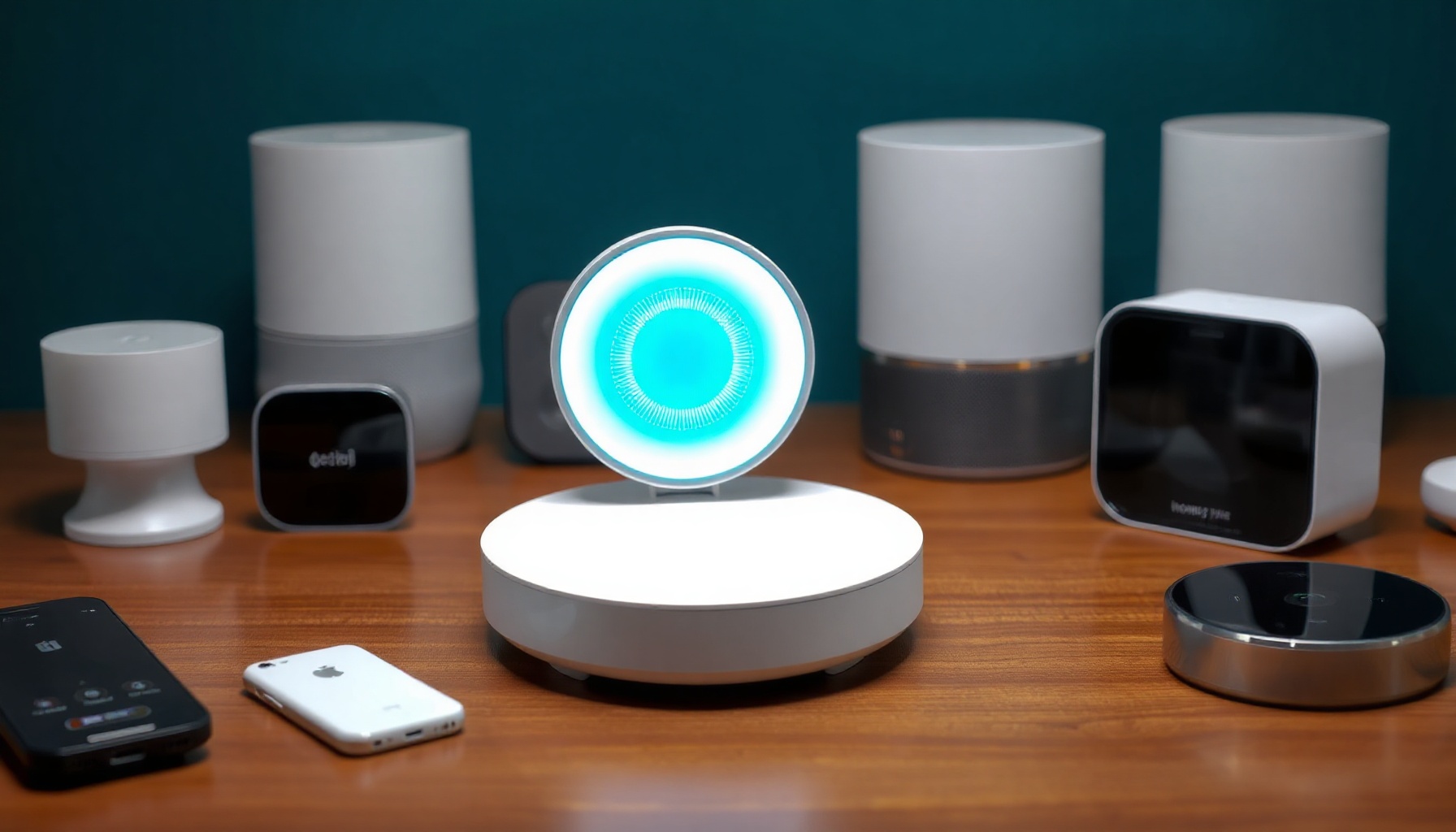
The Homey Pro has long claimed the title of best multi-protocol smart home hub, and the 2026 refresh doubles down on that promise. With seven radios packed into a single box and Matter 1.5 certified, it remains the most versatile plug-and-play option for homes running mixed Zigbee, Z-Wave, and Thread devices. But does a RAM bump justify the same $399 price tag?
How We Tested
This review is based on the vendor’s official documentation, the Homey Pro product page, the Z-Wave Alliance launch announcement, and hands-on impressions published by The Ambient. We did not run the tool ourselves. We did not test enterprise features or the paid cloud backup tier — those assessments come from official docs and user reports. Last reviewed: August 2026.
Design and Hardware
The Homey Pro (2026) retains the same compact puck design as its 2023 predecessor but doubles RAM to 4 GB, enabling over 100 simultaneous Homey Apps, paired with a 1.5 GHz quad-core ARMv8 processor and 8 GB storage per the official specifications on homey.app. There is still no built-in Ethernet port — wired connectivity requires the optional €29 adapter.
The radio array remains the standout feature: Matter, Thread, Zigbee, Z-Wave, Bluetooth LE, 433 MHz, Infrared, and Wi-Fi. That is seven wireless protocols in one hub. The physical design is unchanged from 2023, which feels like a missed opportunity, but the internal upgrade is what matters.
Setup and First Boot
Setting up the Homey Pro (2026) happens entirely through the Homey mobile app, which guides you through creating a home structure with floors and rooms before pairing devices. Zigbee and Z-Wave devices pair with a single tap. Thread devices require Bluetooth proximity commissioning and the hub cannot join an existing Thread network — a documented limitation confirmed by The Ambient’s review.
If you are upgrading from an older Homey Pro, you can back up your configuration and restore it to the new hub. Devices reconnect automatically, though some need time to re-pair. For first-time users, the setup wizard is genuinely beginner-friendly compared to flashing an SD card for Home Assistant.
Automation Power: Homey Flow
Homey Flow is the visual automation builder that sets this hub apart from competitors, offering a when/then/and structure for simple rules and a web-based Advanced Flow editor with multiple triggers, conditions, and custom variables for complex routines. All flows execute locally on the hub, delivering near-instant response with no cloud dependency for routine automations.
Basic automations are straightforward: when the office door unlocks, open the blinds and disarm the alarm. Advanced Flow adds flowchart-style logic — wait for multiple conditions, chain triggers, use variables. Compared to Node-RED integrations, Homey Flow is simpler and more approachable. Versus Hubitat’s Rule Machine, it offers a cleaner visual interface at the cost of some granular low-level control.
Matter and Thread Support
The Homey Pro (2026) holds Matter 1.5 certification as of July 2026, ensuring compatibility with the latest Matter device profiles. The built-in Thread border router shares its radio with Zigbee, which works for typical homes but means the hub creates its own Thread network rather than joining an existing one from Apple or Google.
The practical workaround for homes already running Thread border routers: commission Matter-over-Thread devices via Apple Home first, then share them to Homey through Matter federation. This adds friction but gives you a backup control path. For a deeper dive on how these protocols compare, see our Zigbee vs Z-Wave vs Matter guide.
App Ecosystem and Device Support
Homey’s app store supports devices from over 1,000 brands with 300+ official partnerships, plus hundreds of community-built apps. The 4 GB RAM upgrade enables running 100+ Homey Apps simultaneously — up from 60 on the 2023 model — which matters for homes with diverse device ecosystems across multiple protocols.
Device support extends beyond direct radio connections. Cloud-connected devices and IR-controlled appliances work through dedicated apps. Community apps fill gaps for brands like Ring, removing the need for a separate HomeBridge setup. The breadth here rivals Home Assistant’s integration catalog, though Home Assistant remains free and open-source.
Homey Pro vs Home Assistant — Which Should You Pick?
Homey Pro (2026) is the plug-and-play choice at $399 with seven radios built in, visual flows, and no Linux knowledge required, while Home Assistant is free but demands separate USB radios, YAML or UI configuration, and a steeper learning curve. Homey trades raw power and customizability for polish and simplicity.
For homes that want local processing without the DIY overhead, Homey Pro wins. For tinkerers who want total control, Home Assistant on purpose-built hardware like the Home Assistant Yellow or an Intel N100 mini PC is the better path. Our smart home hub showdown covers additional alternatives like Hubitat and SmartThings.
Pricing and Value
At $399/€399, the Homey Pro (2026) costs the same as the 2023 model while doubling the RAM, making the spec bump effectively free according to the official launch announcement. No subscription is required — remote access, the app store, and cloud features are all included. Optional extras include the Ethernet adapter (€29) and Homey Bridge (€69) for range extension.
Against cheaper alternatives — the Aqara Hub M3 at $119.99 or the Hubitat C8 Pro at $169.95 — Homey Pro is the most expensive option. But none of those competitors include seven radios out of the box. The value case depends on whether you actually need all those protocols.
Who Should Buy the Homey Pro (2026)?
The Homey Pro (2026) is best for homes with 50 or more devices across mixed Zigbee, Z-Wave, and Thread ecosystems where local processing, visual automation, and broad protocol support matter more than the $399 upfront cost. It is also ideal for users who want Home Assistant-level device support without the configuration complexity.
Skip it if: you are budget-constrained, already running Home Assistant happily, or need standard Ethernet without paying extra. For smaller setups, the Homey Pro mini at a lower price point covers the essentials.
FAQ
Is Homey Pro worth it in 2026?
Yes, for homes with diverse device ecosystems. The 4 GB RAM upgrade enables 100+ simultaneous apps, and the seven-radio design remains unmatched in the plug-and-play category per The Ambient’s review. The $399 price is unchanged from 2023, making the spec bump effectively free. Budget buyers should consider cheaper alternatives.
Can Homey Pro join an existing Thread network?
No. Homey Pro creates its own Thread network and cannot join an existing one. The workaround is commissioning Thread devices via Apple Home first, then sharing them to Homey through Matter federation. This adds friction for homes already invested in Apple or Google Thread ecosystems.
Does Homey Pro require a subscription?
No subscription is required. All core features — local automation, app store access, and remote access — work out of the box. Cloud features are free. Optional hardware like the Ethernet adapter (€29) and Homey Bridge (€69) are the only additional costs, confirmed on the Homey Pro product page.
References
[1] Homey Pro product page [2] Z-Wave Alliance launch announcement [3] The Ambient
📖 Related Reads
- ToolBrain — tool reviews, LLM comparisons, and AI workflow guides
Cross-links automatically generated from SmartHome Field Guide.
← Back to guides