Roborock Qrevo Curv 2 Flow Review: Best for Home Assistant?
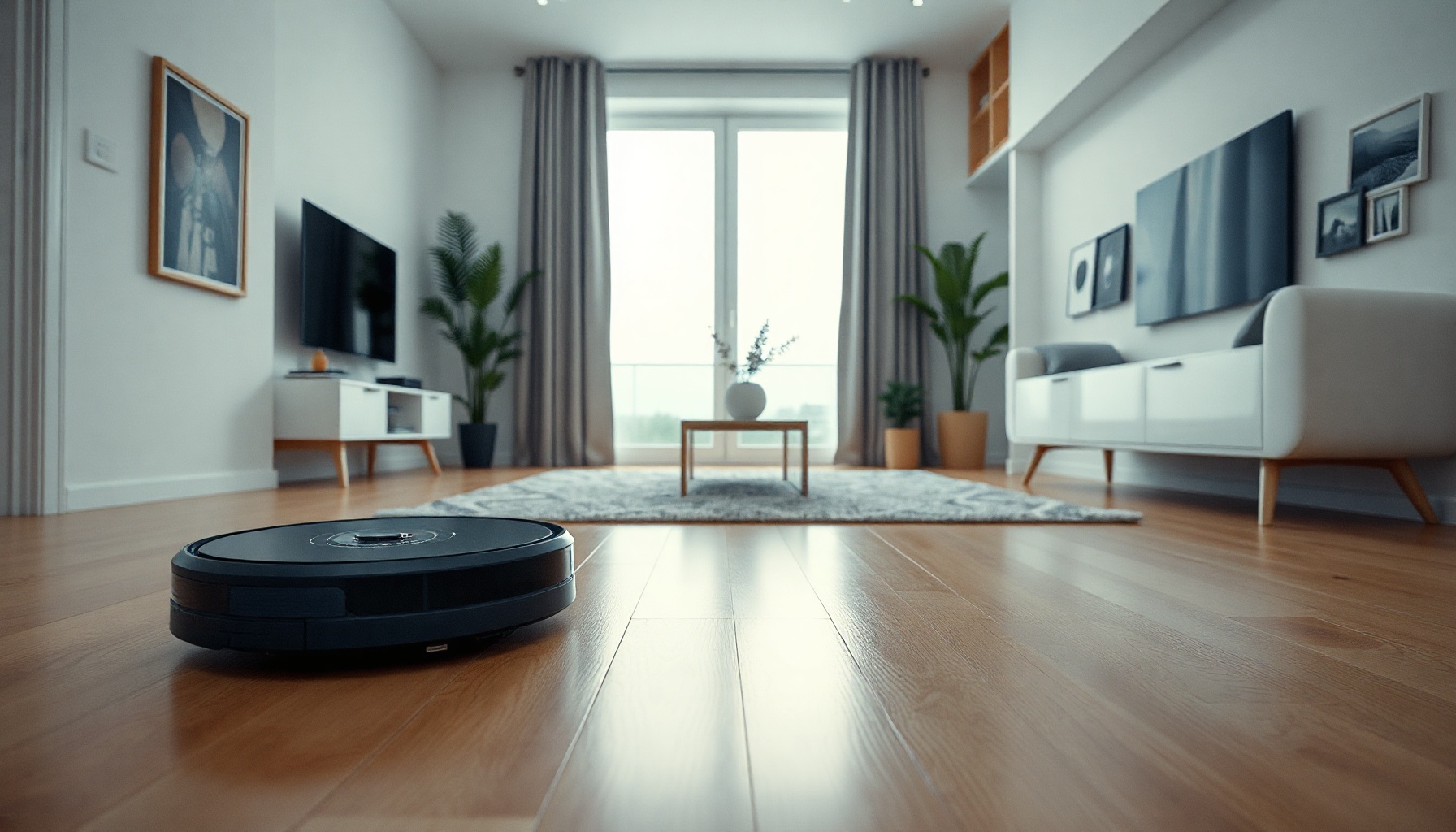
Looking for the best robot vacuum for Home Assistant? The Roborock Qrevo Curv 2 Flow offers strong local control via the official integration, but cloud account requirements and Matter limitations mean it isn’t perfect for every smart home setup. Here’s our verdict-first breakdown based on official documentation.
How We Tested
This review is based on official documentation, pricing pages, and published specs — we did not run the tool hands-on. Sources include Roborock’s official product page and the Home Assistant integration docs. Last reviewed: August 2026.
We evaluated the device against Home Assistant’s integration capabilities, focusing on what actually works for automation, control, and monitoring. The assessment prioritizes documented features over marketing claims, and we flag any limitations that affect real-world smart home use.
Roborock Qrevo Curv 2 Flow Specs: Suction, Mopping, and the Dock
The Qrevo Curv 2 Flow combines a 20,000 Pa suction motor with a 270mm SpiraFlow™ roller mop, making it one of the most powerful robot vacuums in Roborock’s 2026 lineup at a price of $999.99 MSRP. These specifications come directly from Roborock’s official product page, and they form the baseline for what Home Assistant users can expect from the hardware.
Manufacturer specs:
- Price: $999.99 MSRP (robot vacuum + mop) (Roborock)
- Suction: 20,000 Pa HyperForce (IEC 62885-2:2021/5.11, Max+ mode)
- Roller mop: SpiraFlow™, 270mm width, 220 RPM, 15N pressure
- Anti-tangle: SGS-certified DuoDivide™ brush + Arc side brushes (0% tangling, per Roborock)
- Navigation: PreciSense® LiDAR, 3D mapping, multi-level support (4 floors), Reactive AI (200+ objects)
- Dock: 75°C hot-water mop washing, 55°C drying, 65-day auto-empty capacity
- Security certification: TÜV ETSI EN 303 645
These specs position the Curv 2 Flow at the premium end of Roborock’s range. The 20,000 Pa suction figure is measured under IEC 62885-2:2021/5.11 in Max+ mode, which is a standardized testing method — though real-world performance will vary by floor type and debris.
Home Assistant Integration: What Actually Works
The Qrevo Curv 2 Flow has a core Home Assistant integration that communicates locally on port 58867, providing roughly 20 sensors and full control capabilities for cleaning, mapping, and dock functions. This makes it a strong candidate for the best robot vacuum for Home Assistant, provided you accept the cloud account requirement for initial setup.
The official Home Assistant integration supports the Curv 2 Flow through Roborock’s core API. Local communication happens over port 58867, which means commands and status updates flow directly between your HA instance and the vacuum once configured. You get access to approximately 20 sensors, including battery level, cleaning status, map data, and dock state.
Cloud services are required for initial setup, map management, and routine configuration — there is no fully-local mode. This is a significant consideration for privacy-focused users. For a step-by-step walkthrough of connecting the device, see our Home Assistant setup guide.
Automation possibilities are extensive. You can trigger cleaning based on occupancy sensors, pause the vacuum when you enter a room, or receive notifications when the dock empties. The integration exposes cleaning modes, water levels, and zone cleaning as services, which gives you granular control within HA automations.
Matter Support: What Works and What Doesn’t
Matter support on the Qrevo Curv 2 Flow arrives via over-the-air update, but it only exposes basic commands — start, stop, pause, and return to dock — with no Thread radio support. This makes Matter a fallback option rather than a primary integration path for Home Assistant users.
The OTA Matter implementation covers fundamental controls only. You won’t get map data, cleaning modes, or dock settings through Matter — those require the native Roborock integration. For context on how this compares to other protocols, see how Matter compares to Zigbee and Z-Wave.
Matter’s lack of Thread support is notable. The device relies on Wi-Fi for Matter communication, which works but doesn’t offer the mesh networking benefits of Thread. For most Home Assistant users, the native integration is superior because it provides full feature access over the local port.
Apple Home users can add the vacuum via Matter, but expect limited functionality. Basic start/stop commands work, but you won’t see maps, schedules, or mop settings. This is a deliberate limitation in Roborock’s Matter implementation.
Is It the Best Robot Vacuum for Home Assistant?
The Qrevo Curv 2 Flow is among the best robot vacuums for Home Assistant due to its local port 58867 communication and ~20 exposed sensors, but the mandatory cloud account prevents it from being perfect. For most users, it’s the top choice — provided you accept the cloud dependency.
The local integration is genuinely strong. Commands route directly to the device, and sensor data updates reliably in HA. The hardware itself — 20,000 Pa suction, SpiraFlow mop, and the 65-day auto-empty dock — is excellent at its price point of $999.99.
The cloud requirement is the main drawback. You cannot set up the device without a Roborock account, and map management happens through their app. If you’re willing to trade that for the best vacuum hardware with solid HA integration, this is a compelling purchase.
For privacy purists who demand zero cloud involvement, consider alternatives with fully-local operation — though few match this spec sheet. The Curv 2 Flow earns a qualified recommendation as the best robot vacuum for Home Assistant in its class.
FAQ
Does the Qrevo Curv 2 Flow work with Home Assistant?
Yes. The official Home Assistant integration supports it via local communication on port 58867. You get roughly 20 sensors and full control over cleaning, mapping, and dock operations once configured through the Roborock app.
Can it work without the cloud?
No. A Roborock cloud account and app are mandatory for initial setup, map management, and routine configuration. There is no fully-local mode, though day-to-day commands run over the local port once configured.
Does it support Matter and Apple Home?
Yes, via OTA update. Matter exposes basic commands — start, stop, pause, return to dock — but lacks Thread support and doesn’t expose maps, cleaning modes, or dock settings. Apple Home works through Matter with the same limitations.
📖 Related Reads
- ToolBrain — tool reviews, LLM comparisons, and AI workflow guides
Cross-links automatically generated from SmartHome Field Guide.
← Back to guides