Thread Border Routers for Home Assistant: The 2026 Buyer's Guide
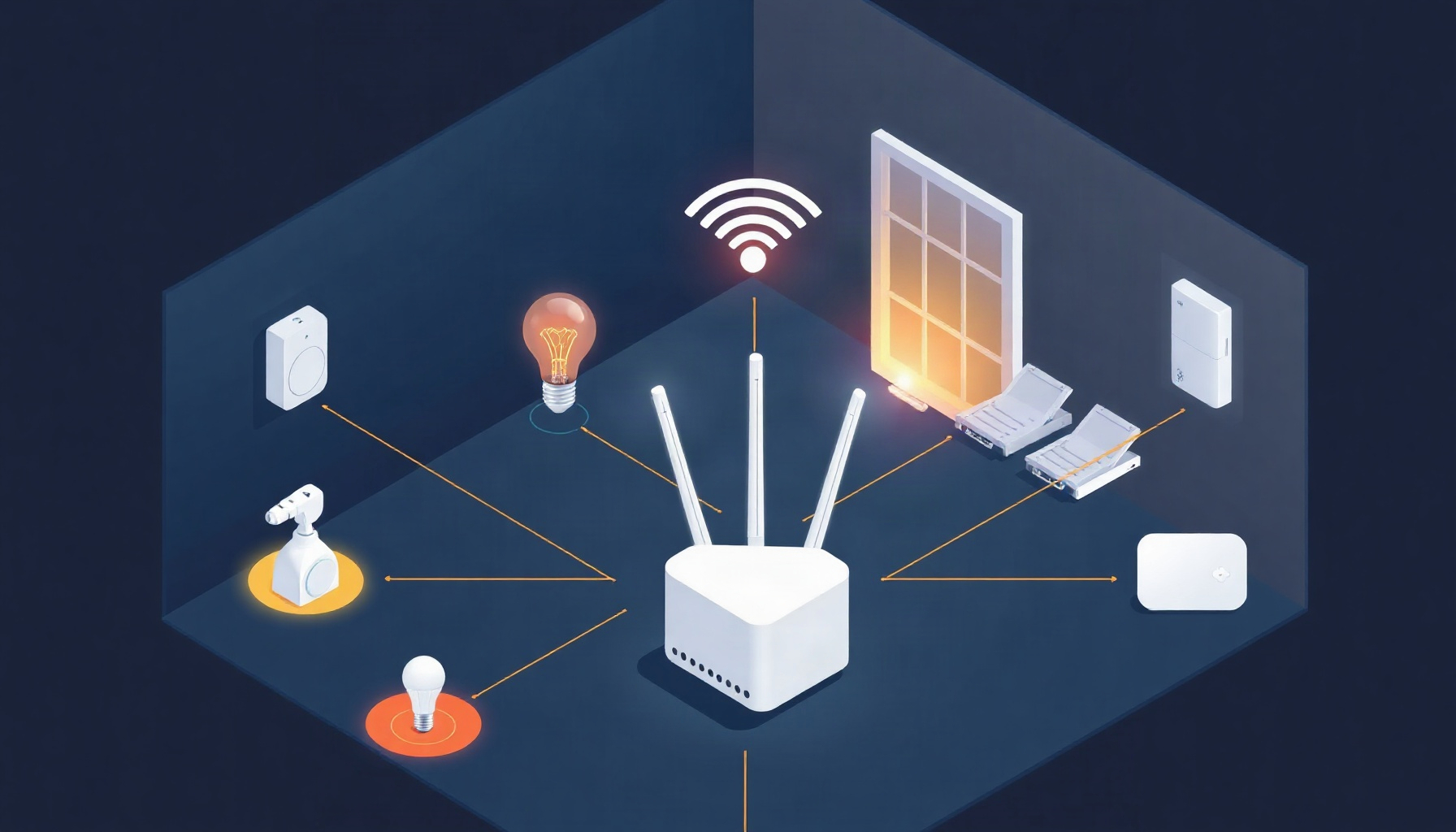
Adding Matter-over-Thread sensors, locks, or blinds to Home Assistant raises a practical question: do you need to buy a border router, or is one already in your home? The answer depends on which Thread network you want to use and whether you need Home Assistant to manage the router itself.
How This Guide Was Built
This guide explains Thread border routers using Home Assistant documentation, Thread Group materials, and vendor product information, with the emphasis on what homeowners need to choose a compatible setup. The technical distinctions and compatibility notes below are grounded in Home Assistant’s Thread documentation and vendor sources. This guide is based on official Home Assistant documentation, Thread Group materials, and vendor product pages — we did not run the hardware hands-on.
What a Thread Border Router Does
A Thread border router connects a low-power Thread mesh to your ordinary home network and routes IPv6 packets between them, as Home Assistant explains in its Thread integration documentation. Thread uses the same IEEE 802.15.4 radio technology as Zigbee, but adds IPv6 connectivity; Thread is only the transport, so controlling devices requires Matter or Apple HomeKit.
Think of Thread as a way for compatible devices to communicate, not as the control system or the app that manages them. Matter supplies a common device-control layer for Home Assistant and other supported platforms; Home Assistant’s Matter integration documentation describes how Matter devices connect to the system. For a broader protocol comparison, see our guide to Zigbee vs. Z-Wave vs. Matter.
The border router’s job is to bridge the Thread mesh to your home network; it does not inspect the packets it routes. That’s why a working Thread network alone is not enough: Home Assistant also needs to communicate with the device using a supported control protocol. The Thread Group’s Smart Home Fact Sheet offers additional background on Thread’s role in a smart home.
Check What You Already Own
You may already have a Thread border router inside a smart speaker, display, or home hub, and Home Assistant can use many routers without managing them; its supported-device list includes Apple, Google, and other options. Industry observers also note that many homeowners already own a hidden router in a HomePod mini, Echo Hub, or SmartThings Station.
That can spare you an extra purchase. Home Assistant lists the HomePod mini, second-generation HomePod, and certain Apple TV 4K models as working border routers; Apple’s HomePod mini product page describes the device, while Home Assistant documents the compatibility. Google options include Nest Hub (2nd gen), Nest Hub Max, Nest Wifi, Nest Wifi Pro, and Google TV Streamer (4K); Google’s Nest Wifi Pro store page is one place to check its product information.
A router being usable by Home Assistant does not mean Home Assistant can configure or control it. That distinction matters when choosing a dedicated setup: with many consumer hubs, Home Assistant can use the Thread network, but the hub’s own ecosystem remains responsible for its Thread settings. Home Assistant describes this difference in its Thread documentation.
Compare Thread Border Router Options
The best border router depends on whether you prioritize using hardware you already own or managing Thread from Home Assistant; the official Home Assistant compatibility list includes both consumer hubs and Home Assistant-based OpenThread options. The table separates basic Thread access from the ability to configure a router through Home Assistant.
| Device | Radio transport | How it pairs with Home Assistant | Notes |
|---|---|---|---|
| Home Assistant Yellow | Thread over IEEE 802.15.4; network bridge to home LAN | Enable Thread support and use the Home Assistant-based OpenThread Border Router setup | Thread requires setup; consult Nabu Casa’s Yellow instructions. |
| Home Assistant Connect ZBT-1 | Thread over IEEE 802.15.4; network bridge to home LAN | Enable Thread support in Home Assistant; integration with the HA-based router involves manual steps | Zigbee is the out-of-box mode; see the official compatibility notes. |
| Home Assistant Connect ZBT-2 | Thread over IEEE 802.15.4; network bridge to home LAN | Enable Thread support in Home Assistant; integration with the HA-based router involves manual steps | Zigbee is the out-of-box mode; see Nabu Casa’s setup instructions and our Connect ZBT-2 review guide. |
| Google Nest Hub (2nd gen), Nest Hub Max, or Google TV Streamer (4K) | Thread radio plus connection to the home network | Add or use the Thread network in Home Assistant; HA does not configure the proprietary router | Listed as working options in the Home Assistant Thread documentation. |
| Google Nest Wifi or Nest Wifi Pro | Thread radio plus Wi-Fi network connection | Home Assistant can use the Thread network, but does not manage the router through its OpenThread API | A usable consumer option, but not the same as an HA-managed OTBR; see Google’s product information. |
| Apple HomePod mini, HomePod (2nd gen), or Apple TV 4K (2nd/3rd gen) | Thread radio plus connection to the home network | Home Assistant can use the Thread network; Apple’s router is not configured through HA’s OTBR controls | Listed as working options by Home Assistant; Apple’s HomePod mini page provides product details. |
| Amazon or Nanoleaf Thread border router | Thread radio plus connection to the home network | Home Assistant can use supported routers, but its control depends on whether the router exposes the OpenThread REST API | Home Assistant lists Amazon and Nanoleaf among other options; see Amazon and Nanoleaf. |
Radio transport in the table refers to Thread’s 802.15.4 mesh and its connection to the ordinary home network. It does not imply that every product uses the same backhaul method or gives Home Assistant the same management access; check the official OpenThread Border Router integration documentation before choosing hardware you want Home Assistant to control.
How Home Assistant Connects to a Border Router
Home Assistant can use any compatible Thread border router, but it can configure and control only OpenThread border routers that expose the open-source REST API, as described in the Thread integration and OpenThread Border Router integration documentation. That API normally uses port 8081, with a plain HTTP address such as http://192.168.1.42:8081.
This is the key choice behind “works with Home Assistant.” A consumer router may be enough to let Home Assistant communicate with Thread devices, while an OpenThread Border Router (OTBR) with the supported API can also be configured and controlled through Home Assistant. The OpenThread project documents the open-source technology underlying OTBR.
For a dedicated Home Assistant installation, Yellow and the Connect ZBT-1 and ZBT-2 are official options, but Thread setup involves manual steps. Home Assistant notes that Matter integration with its own HA-based router is work-in-progress; consult Nabu Casa’s Connect ZBT-2 Thread instructions or Yellow setup instructions before planning the configuration. Our article on getting started with Matter covers the broader commissioning steps, and our guide to the Home Assistant Matter server rewrite explains the software side.
Onboarding depends on the device’s control protocol, not just its Thread radio. The phone or ecosystem needed to commission a Matter device can differ from the phone or platform required for an Apple HomeKit setup; Home Assistant calls out this distinction in its Thread documentation. Check the device’s onboarding instructions before assuming Home Assistant alone will complete setup.
Why Multiple Border Routers Can Help
Thread supports multiple border routers on a single network, unlike the usual Zigbee arrangement, so additional routers can improve coverage and avoid a single point of failure, according to Home Assistant’s Thread documentation. This means a compatible router you already own can potentially complement another Thread router rather than forcing an either-or choice.
That flexibility is useful in larger homes, where devices may be far from the first border router. It does not mean every router is automatically part of the same Thread network: the devices need to share the network, and Home Assistant must have access to the relevant Thread credentials. Home Assistant’s Thread integration guide explains how it handles Thread networks.
When checking a product box, pay attention to the “Built on Thread: requires border router” logo. Home Assistant notes that this label means the device cannot use Wi-Fi at all, so it needs Thread coverage and a border router to connect Thread to the home network. That is different from a device that supports Wi-Fi as an alternate connection.
Common Setup Problems and Fixes
Home Assistant documents a few Thread messages that can look alarming but are often expected: occasional ChannelAccessFailure warnings can occur on channels overlapping Wi-Fi, NoAck errors can be normal for battery-powered Sleepy End Devices, and a Docker mDNSPlatformSendUDP error 99 on virtual Ethernet interfaces is cosmetic. See its Thread troubleshooting notes.
If ChannelAccessFailure messages happen frequently, Home Assistant recommends changing the Thread channel to 25 or 26 to reduce interference from Wi-Fi. Treat that as a troubleshooting step rather than a default change: confirm that the problem is persistent, then use the controls available for your particular border router. A proprietary consumer hub may not expose its channel settings to Home Assistant.
Battery-powered Thread sensors often spend time asleep to conserve power, so a NoAck message does not necessarily mean a device has failed. Likewise, the Docker mDNS message is not by itself evidence of a Thread outage. Check the device’s actual availability and Home Assistant’s official diagnostic guidance before changing network settings.
The Bottom Line
For most Home Assistant households, the practical path is to use an existing compatible router first, choose an HA-based OpenThread setup if you want more control, and avoid relying on a single consumer-only router when HA management matters; those distinctions follow Home Assistant’s compatibility and OTBR guidance. Multiple border routers can also coexist on one Thread network.
- Already own a HomePod mini, Apple TV 4K, or Nest Hub (2nd gen)? Start by using it as the border router; Home Assistant lists these among its working options, though it will not manage their proprietary Thread settings through the OTBR API.
- Want a dedicated Home Assistant setup? Consider Connect ZBT-2 or Yellow running the OpenThread add-on, and follow the relevant official setup instructions. Expect manual Thread steps and note that Matter integration with the HA-based router is work-in-progress.
- Want Home Assistant to control the border router itself? Choose an OpenThread Border Router that exposes the supported REST API on port 8081; confirm compatibility with the OTBR integration documentation.
- Considering a single Nest Wifi-style consumer-only setup? It can be usable, but avoid making it your only choice if your goal is for Home Assistant to configure and control the border router.
FAQ
These answers distinguish Thread networking from Matter control, explain when Home Assistant can manage a border router, and clarify common setup expectations using Home Assistant’s Thread documentation and Matter integration guide. The key is to check both device compatibility and the router’s management interface before buying hardware.
Do I need a Thread border router for every Thread device?
No. A Thread device needs access to a Thread network, and a border router connects that network to your home network; multiple border routers can serve one Thread network, according to Home Assistant. Confirm that any additional router joins the same network, rather than assuming a second router automatically extends the first.
Can Home Assistant use a border router it cannot control?
Yes. Home Assistant can use compatible border routers without managing their settings, but it can configure and control only OpenThread border routers that expose the supported REST API, normally on port 8081. The distinction is described in the Thread and OTBR documentation.
Does Thread mean a device works with Matter?
No. Thread is a transport that carries network traffic; the device still needs a control protocol such as Matter or Apple HomeKit. Home Assistant’s Thread documentation explains this distinction, while the Matter integration guide describes Matter device control.
Do I need an iPhone or Android phone to set up a Thread device?
It depends on the device’s protocol and onboarding process; Thread by itself does not determine which phone or ecosystem is required. Home Assistant notes that the phone requirement can differ between Matter and HomeKit, so check the manufacturer’s onboarding directions as well as the Home Assistant Thread guide.
← Back to guides