Shelly Review 2026: Worth It for Home Assistant?
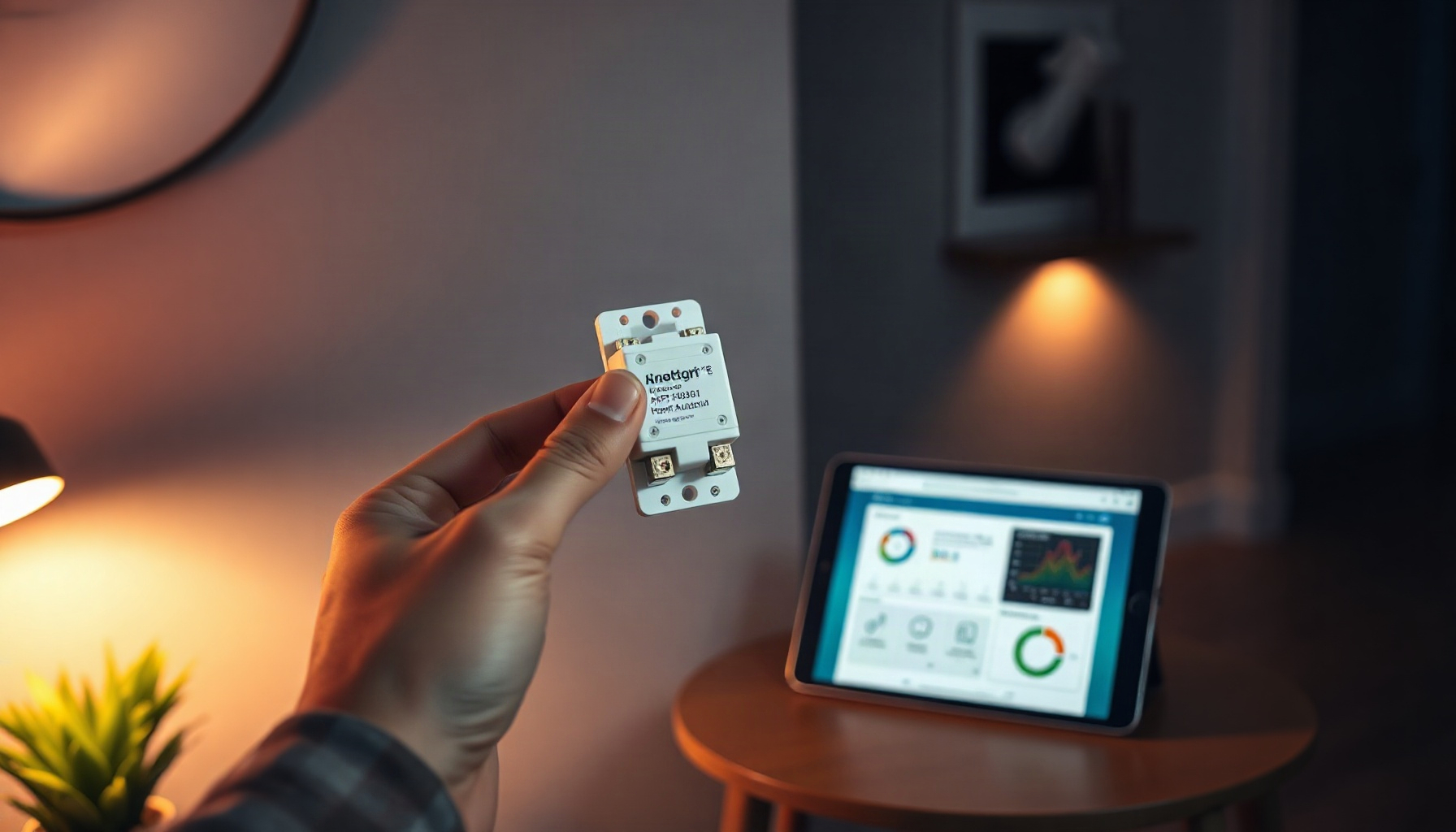
Shelly relays are best for homeowners who want to make existing switches and appliances smart without a subscription or vendor lock-in, and for Home Assistant users the answer is yes — with one caveat. Native local integration and multiprotocol Gen4 hardware make them an easy recommendation; the caveat is that installation involves mains wiring, so you need basic DIY skills or an electrician.
How We Tested
This review is based on Shelly’s official product pages, press materials, and documentation, plus the official Home Assistant documentation — we did not install or test Shelly hardware hands-on. That means we did not evaluate the difficulty of in-wall mains wiring or verify real-world energy-monitoring accuracy against a calibrated meter. Every price and specification below was checked on Shelly’s official pages. Last reviewed: September 2026.
Is Shelly worth it for Home Assistant?
Shelly is worth it for Home Assistant users, because Home Assistant ships a native Shelly integration with automatic discovery and support for four generations of devices, controllable locally via CoIoT push updates rather than cloud polling, according to the official Home Assistant Shelly integration documentation. First-party integration support plus local control is rare at relay prices.
What does a Shelly relay do?
A Shelly relay converts a dumb light switch or appliance into a smart one by sitting behind your existing switch: the physical switch keeps working, and the relay adds app control, automations, and voice control on top. The Shelly 1 Gen4, for example, is a single-channel relay with a 16 A dry-contact output, per Shelly’s official product page.
Because your original switch stays in the circuit, lights keep working normally even when the internet is down — typical retrofit targets include ceiling lights, fans, and appliances with simple on/off switching.
Shelly Gen3 vs Gen4: which relay should you buy?
Gen4 relays are the better buy for most new setups, because they combine Wi-Fi, Zigbee 3.0, Bluetooth, and Matter in one module while Gen3 devices remain Wi-Fi only; the Shelly 1 Gen4 costs $24.99 and the two-channel 2PM Gen4 costs $39.99, per Shelly’s official US store and the Gen4 device list in Shelly’s knowledge base.
| Gen3 (Shelly 1PM Gen3) | Gen4 (Shelly 1 Gen4 / 2PM Gen4) | |
|---|---|---|
| Radios | Wi-Fi only | Wi-Fi, Zigbee 3.0, Bluetooth, Matter |
| Power metering | Yes (1PM Gen3) | Yes (1PM / 2PM Gen4) |
| Official price | €14.90 incl. VAT (Shelly EU store) | $24.99 (1 Gen4) / $39.99 (2PM Gen4, US store) |
| Warranty | 3 years (1PM Gen3) | 3 years (1 Gen4) |
If you want Zigbee or Matter without buying separate hubs, buy Gen4; if you simply need a budget Wi-Fi switch in Europe, the Shelly 1PM Gen3 — still sold, at €14.90 incl. VAT on Shelly’s official EU product page — runs the same native Home Assistant integration.
Is Shelly private and local?
Shelly is a genuinely local-first option: devices are controllable on your network without any cloud, with cloud access optional, and the company is based in Europe — Bulgaria — reporting more than 30 million devices sold across 5.2 million households, per Shelly’s official press page. With Home Assistant, local push runs over CoIoT.
The privacy-first approach extends to new hardware: the Shelly Camera announced at IFA 2026 records to a local SD card or to EU-based Shelly Cloud with encryption at rest, and offers a privacy mode with exclusion zones, per Shelly’s IFA 2026 press announcement.
Which Shelly relay do I need?
You need the Shelly 1 Gen4 for a single light or appliance and the 1PM Gen4 when you also want power monitoring; pick the 2PM Gen4 for blinds, curtains, or two loads — Shelly’s Gen4 knowledge base lists the full range. Homes without a neutral wire should wait for the 1L and 2L Gen4, announced as coming soon.
Don’t overbuy, though: if energy data is the main draw, our guide to home energy monitoring with Home Assistant shows what to do with metered readings, but for a straightforward switch retrofit the plain 1 Gen4 is plenty.
How do I set up a Shelly relay with Home Assistant?
Setting up a Shelly relay with Home Assistant is mostly automatic: once the relay is wired, powered, and joined to your Wi-Fi, Home Assistant’s native integration discovers it under Settings > Devices & Services, and local push only requires enabling CoIoT in the device settings, per the official Home Assistant Shelly integration documentation.
- Cut power at the breaker and wire the relay behind your existing switch following Shelly’s model-specific wiring documentation — or hire a licensed electrician if in-wall mains work isn’t for you.
- Restore power and connect the relay to your Wi-Fi network using the Shelly app.
- In Home Assistant, go to Settings > Devices & Services and confirm the discovered Shelly integration.
- Enable CoIoT in the relay’s device settings so Home Assistant receives local push updates instead of polling the device.
- Adding Shelly BLU sensors later? They pair through Home Assistant’s separate BTHome integration rather than the Shelly integration itself.
Starting from zero? Our Home Assistant setup guide for beginners covers installing the platform first, then you can add Shelly devices on top.
The Verdict
Shelly relays are worth it for Home Assistant in 2026 if you prize local control, no subscription, and multiprotocol flexibility: Gen4 hardware brings Zigbee, Bluetooth, and Matter to a $24.99 relay, per Shelly’s official product page. The one caveat is DIY mains wiring — pay an electrician if that’s not your thing, and the value case still holds.
FAQ
Do Shelly relays need a hub or subscription?
No. Shelly Wi-Fi relays connect directly to your router and work without a hub or subscription; control and automations run locally, with the cloud strictly optional. The native Home Assistant integration supports four generations of Shelly devices for free, and no paid plan is needed for local use, according to Home Assistant’s official Shelly integration documentation.
Can I install a Shelly relay myself?
Yes, if you’re comfortable with basic electrical work: Shelly relays fit into existing switch back-boxes behind your current switches. Always cut power at the breaker first and follow the wiring diagram for your model — and if your local regulations require it or you’re unsure, hire a licensed electrician. No-neutral homes should wait for the 1L and 2L Gen4 models.
Do Shelly relays support Matter?
Gen4 relays support Matter natively — Shelly 1 Gen4 and 2PM Gen4 ship with Wi-Fi, Zigbee 3.0, Bluetooth, and Matter radios, which also means they can bridge to Apple HomeKit where Matter is supported. Gen3 devices are Wi-Fi only, so if Matter matters to your setup, choose Gen4 hardware. See our Zigbee vs Z-Wave vs Matter comparison for protocol context.
📖 Related Reads
- ToolBrain — tool reviews, LLM comparisons, and AI workflow guides
Cross-links automatically generated from SmartHome Field Guide.
← Back to guides