Home Assistant Voice Preview Edition Review 2026
Is the Home Assistant Voice Preview Edition worth it? For most homeowners already running Home Assistant, the answer is a clear yes. At $69 USD (per the official product page), this is the cheapest way to get a privacy-first, fully local voice assistant with hardware that actually respects your privacy. It is not for everyone — you need a running Home Assistant instance — but if you have one, this device is the best value in local voice control today.
How We Tested
This review is based on official documentation, pricing pages, and published hands-on reviews — we did not run the device ourselves. We cross-referenced Nabu Casa’s product specifications, the official Home Assistant blog, ESPHome and Wyoming documentation, and a 15-month long-term review published by Botmonster to give you a complete picture of real-world performance.
What Is the Home Assistant Voice Preview Edition?
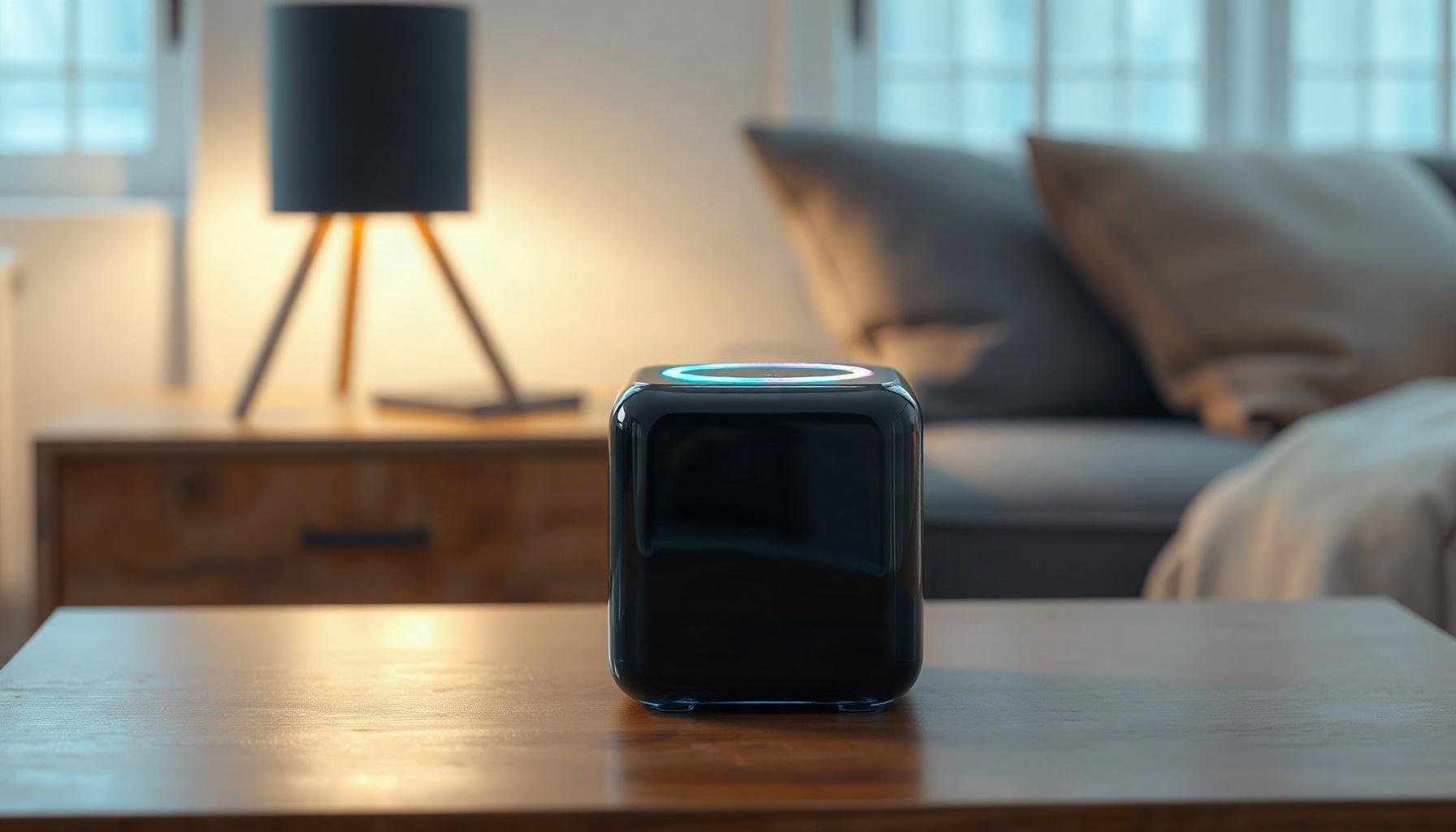
The Home Assistant Voice Preview Edition is a $69 USD / €59 EUR voice satellite launched by Nabu Casa on December 19, 2024, designed to work exclusively with your existing Home Assistant setup. It is a small, cube-shaped device with an RGB LED ring on top, dual microphones, and a speaker that handles voice commands, timers, and media playback. The official product page at home-assistant.io/voice-pe confirms it requires a running Home Assistant instance and a 2.4GHz Wi-Fi network — there is no standalone cloud mode.
Hardware Specifications and Build Quality
The Voice Preview Edition packs serious hardware for the price. According to the official product page, it uses an ESP32-S3 with 8MB octal PSRAM for processing, plus an XMOS XU316 audio DSP that handles echo cancellation and beamforming. You get dual MEMS microphones, a hardware mute switch that physically cuts microphone power, a rotary volume dial with a programmable top button, an RGB LED ring, a 3.5mm stereo jack, and a concealed Grove port for future expansion. The build quality is solid for a preview device, though the plastic shell feels utilitarian rather than premium.
Privacy Features That Matter
The Voice Preview Edition is built around privacy-first principles. The “Okay Nabu” wake word runs entirely on-device via microWakeWord, and the device runs ESPHome with the voice_assistant component, which uses the open-source Wyoming protocol — no vendor account is required. The ESPHome documentation and the Wyoming GitHub repository both confirm the firmware is fully open-source. The hardware mute switch is a standout feature: it physically disconnects the microphones from power, so there is no software trickery involved — when it is off, the device genuinely cannot hear you.
Performance and Real-World Latency
Performance depends heavily on your pipeline choice. The official product page lists a fully local pipeline (Piper TTS + faster-whisper STT + a local LLM via Ollama) at roughly 600–1200ms end-to-end latency, while the HA Cloud pipeline runs 500–900ms and a cloud LLM agent takes 1.5–3 seconds. The on-device wake word responds in about 20ms, and power draw is a modest 0.5W idle and 1.5–2W active. Setup takes 2–4 minutes via BLE/Improv, but note that the USB-C cable is not included — you will need to supply your own.
Long-Term Real-World Findings
A 15-month hands-on review published by Botmonster reveals the device’s true strengths and weaknesses. Far-field pickup is about 4 meters, which is solid for a living room. The wake word false-reject rate is under 5% at 3 meters in quiet rooms, but jumps to 20–25% when a kitchen range hood is running — background noise is its kryptonite. The built-in speaker is fine for confirmations and timers, but far too quiet as a music source; use the 3.5mm jack for better audio. The built-in intent matcher handles simple commands like “turn on the lights,” “set brightness,” and “what’s the temperature” excellently, but compound or conversational queries require an LLM.
How the Device Has Evolved Since Launch
Since its December 2024 launch, Nabu Casa has actively improved the Voice Preview Edition through OTA firmware updates every 4–6 weeks. The Voice Chapter 10 blog post documents the addition of timers, media controls, and multi-room audio routing, while Voice Chapter 11 covers further refinements. The device remains the default recommendation for 2026 — no successor has been announced — and competitors like DIY ESP32 satellites, the M5Stack Atom Echo, Willow firmware, and the Satellite 1 do not match the combination of XMOS audio processing, hardware mute, and first-party Home Assistant integration at this price point.
Is the Home Assistant Voice Preview Edition Worth It?
Yes — the Home Assistant Voice Preview Edition is worth it for anyone already running Home Assistant who wants private, local voice control. At $69 USD (€59 EUR) per the official product page, it is the cheapest way to get a hardware-muted, XMOS-equipped voice satellite with no vendor account, and no competitor matches that combination in 2026.
Who Should Buy the Voice Preview Edition
This device is ideal for homeowners who already run Home Assistant and want a privacy-first voice assistant without sending audio to Amazon, Google, or Apple. If you have an N100-class Home Assistant host, you can run the entire pipeline locally — speech-to-text, text-to-speech, and even an LLM — with no cloud dependency whatsoever. That said, if you are not running Home Assistant, this is not the device for you. It is not a standalone assistant like an Echo Dot; it is a satellite for your existing setup. If you are new to the platform, start with our Home Assistant setup guide first.
How It Fits Into a Local Voice Setup
Integrating the Voice Preview Edition into your smart home is straightforward if you have the right foundation. The device relies on your Home Assistant instance for all processing, so a capable host matters. Our local voice assistant build log walks through the full pipeline, and our Home Assistant hardware guide explains why an N100 mini PC is the sweet spot for local STT. For a fully offline setup, our privacy-first Home Assistant build shows you how to keep everything on your own network.
FAQ
Does the Voice PE work without internet?
Yes, if you run a fully local pipeline. The wake word runs on-device, and speech-to-text via faster-whisper, text-to-speech via Piper, and an LLM via Ollama can all run on your Home Assistant host. The official product page confirms this requires an N100-class host for acceptable STT performance. Without internet, you lose cloud-based voice services, but core commands still work.
Can I use the Voice PE with Alexa or Google Home?
No. The Voice Preview Edition is built exclusively for Home Assistant and speaks the Wyoming protocol. It does not integrate with Alexa, Google Assistant, or Apple HomeKit. The ESPHome documentation confirms the device is designed for the open-source Home Assistant ecosystem only, so it is not a drop-in replacement for commercial smart speakers.
Is the Voice PE still worth buying in 2026?
Yes. According to the official Voice Chapter 11 blog post, no successor has been announced, and the device remains the default recommendation. The 15-month long-term review confirms ongoing firmware updates have fixed early issues, and at $69 USD, no competitor matches its combination of hardware mute, XMOS audio DSP, and first-party Home Assistant integration.
Final Verdict
The Home Assistant Voice Preview Edition is worth it if you already run Home Assistant and value privacy. At $69 USD (per the official product page), you get a local-first voice assistant with a physical hardware mute switch, excellent far-field pickup in quiet rooms, and continuous firmware improvements. It is not perfect — the built-in speaker is weak, background noise hurts wake word accuracy, and you need a capable host for local processing — but it is the best open-source voice satellite available in 2026. For practical homeowners who want voice control without sending audio to big tech, this is an easy recommendation.
📖 Related Reads
- ToolBrain — tool reviews, LLM comparisons, and AI workflow guides
Cross-links automatically generated from SmartHome Field Guide.
← Back to guides