Home Assistant 2026.9 Update: What Changed?
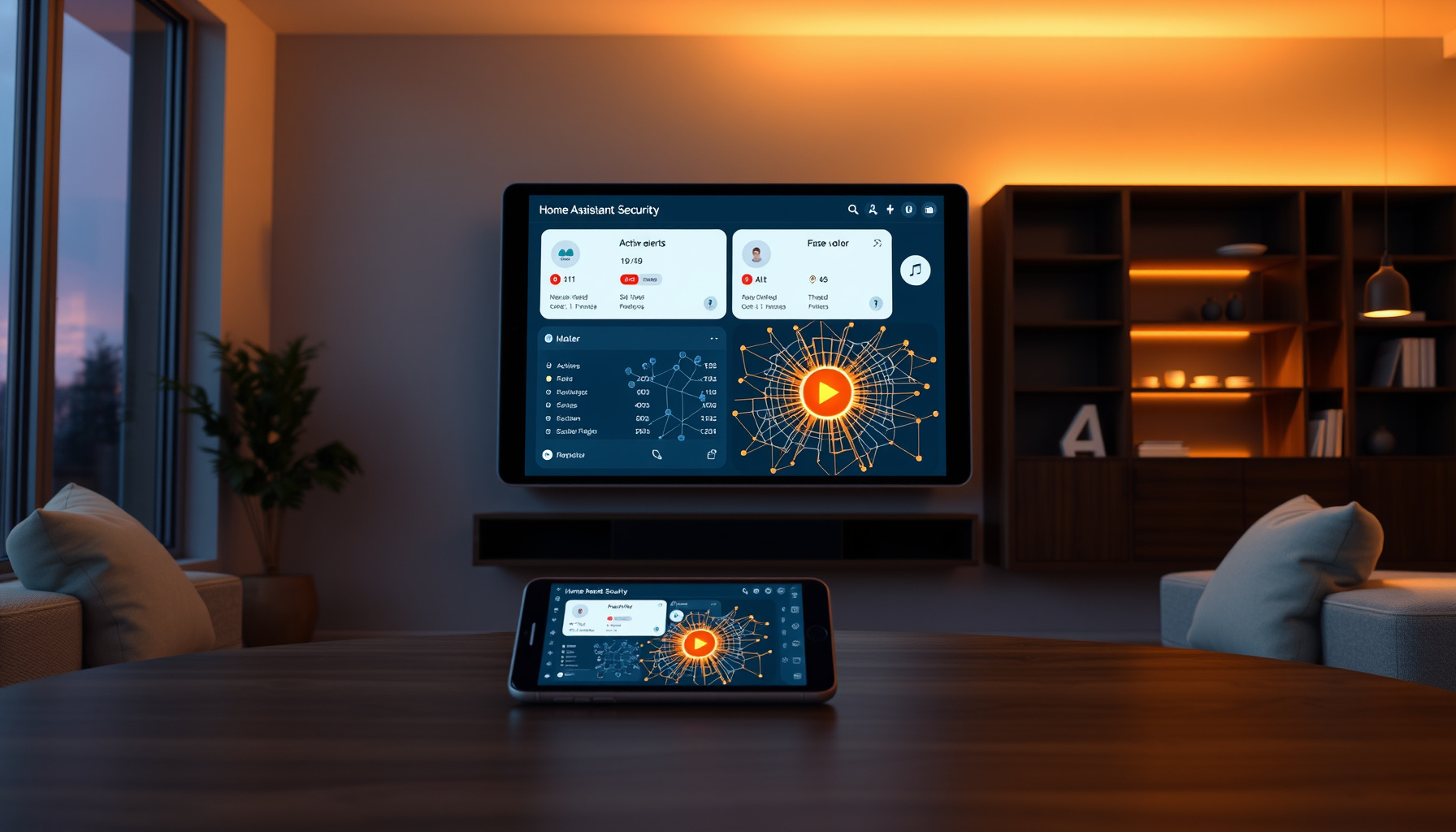
“Home Assistant 2026.9 update what changed” is the question on every smart home owner’s mind right now. The beta announced August 26, 2026 answers the questions you ask daily — “why did my lights turn on?” and “is my front door actually closed?” — with a full activity trace, a security dashboard with real alert levels, a visual Matter network map, and golden-hour lighting automations. The final release lands September 2, 2026, with a livestreamed release party at 20:00 GMT on YouTube. Here’s what’s coming and what you should know before you update.
How This Was Verified
This review is based on the official Home Assistant beta release notes and the Open Home Foundation’s community survey results — we did not run the 2026.9 beta ourselves. Details come from the official Home Assistant beta release notes, and the survey data comes from the Home Assistant blog. We did not test any hardware or the beta software hands-on. Last updated: August 2026.
What changed in Home Assistant 2026.9?
Home Assistant 2026.9 brings four major homeowner-focused improvements: a detailed activity log that shows the full automation chain, a security dashboard with alert severity levels, a visual map of your Matter and Thread devices, and new golden-hour lighting conditions. The beta notes confirm these features are previews and may not all make it into the final release. If you’re upgrading from our Home Assistant 2026.8 guide, this release focuses on clarity and control rather than new hardware support.
Why did my lights turn on? Activity logs get a “why it happened” story
The new Activity detail dialog answers the most common smart home question — “why did that happen?” — by showing the complete chain of events for any change, from the initial trigger through every automation and script it passed through, with clickable steps and millisecond timestamps (beta release notes). The shared “Sources” pane filters by floor, area, device, entity, domain, device class, or integration, and remembers your filter between visits. For homeowners, this means no more guessing whether a schedule, a person arriving, or a restart caused a light to flip on. If you’re new to building automations, our beginner automations guide will help you understand what to look for in these logs.
Matter network map: see your Thread and Wi-Fi devices at a glance
The new “Show map” button in the Matter panel visualizes your entire Matter network, showing which devices communicate over Thread versus Wi-Fi, which are routers, which are end devices, and which are offline — using the same graph view already available for Zigbee, Z-Wave, and Bluetooth (beta release notes). If you’re using an older Matter Server version, you’ll see an “update required” notice. For homeowners, this is the first time you can see your whole mesh at a glance and spot a device that dropped offline without opening multiple apps. If you’re new to Matter, start with our Matter beginner’s guide, and for the technical details, see our Home Assistant Matter Server coverage.
Security dashboard: real alert severity and favorites
The Security dashboard now includes “Active alerts” with two severity levels — Alert and Warning — so a window left open is no longer treated the same as a smoke alarm going off (beta release notes). You can also pin “Favorites” for the doors, locks, and sensors you check most often, putting your most important devices one tap away. For homeowners, this means the dashboard finally matches how you actually think about security: a minor annoyance shouldn’t scream as loudly as a real threat, and your most-checked devices deserve top billing.
Solar, EV chargers, and the new integrations
The 2026.9 beta adds several integrations that matter for modern homes: Besen EV charger (Bluetooth), NexBlue EV charger, Silla Prism EV wallbox (local MQTT), Hot Spring spa, Samsung TV via ExLink serial, ISEO Argo Bluetooth smart lock, and Specialized Turbo e-bike (BLE) (beta release notes). The sun integration gains golden hour, blue hour, midnight sun, and polar night as new conditions and triggers, so you can automate “close blinds before direct sun hits the room” (beta release notes). For solar owners, Modbus connections can now be shared between integrations, and Fronius gained optional Modbus TCP with per-string solar data its cloud API doesn’t expose, plus a new Sofar Inverter Modbus integration that auto-detects your inverter model and works with both PV-only and hybrid battery systems (beta release notes). This is a meaningful step for homeowners who want their solar data to stay local rather than going through a vendor’s cloud.
Breaking changes to know before you update
Before updating, check these breaking changes from the beta notes: UniFi Protect now requires version 7.2.105 or newer, installing or skipping updates is now admin-only, the vacuum battery_level property has been removed, and Z-Wave JS lock user and credential management now requires an admin account. For homeowners, this means making sure you have an admin user set up before you update, and if you use UniFi Protect, updating your cameras first. These are the kinds of changes that can cause a frustrating afternoon if you’re not prepared.
FAQ
When will Home Assistant 2026.9 be released?
Home Assistant 2026.9 is scheduled for release on September 2, 2026, with a livestreamed release party at 20:00 GMT on YouTube. The beta was announced August 26, 2026, and the beta release notes warn that features may not all make it into the final release.
Will all beta features make it into the final release?
No — the beta release notes explicitly state that features “may not make it into the final release”. This is standard practice for Home Assistant, where beta features are tested and refined before the stable release. If a feature is critical for you, wait for the final release notes before updating.
Why do most people choose Home Assistant?
The Open Home Foundation’s December 2024 community survey, published August 26, 2026 with 8,616 responses, found the top three reasons people choose Home Assistant are local control (89.3%), open source (84.0%), and customization (81.7%) (Open Home Foundation). The dataset is publicly available on Zenodo with DOI 10.5281/zenodo.21825688.
📖 Related Reads
- ToolBrain — tool reviews, LLM comparisons, and AI workflow guides
Cross-links automatically generated from SmartHome Field Guide.
← Back to guides