Best Outdoor Security Cameras 2026: Local-First vs Cloud
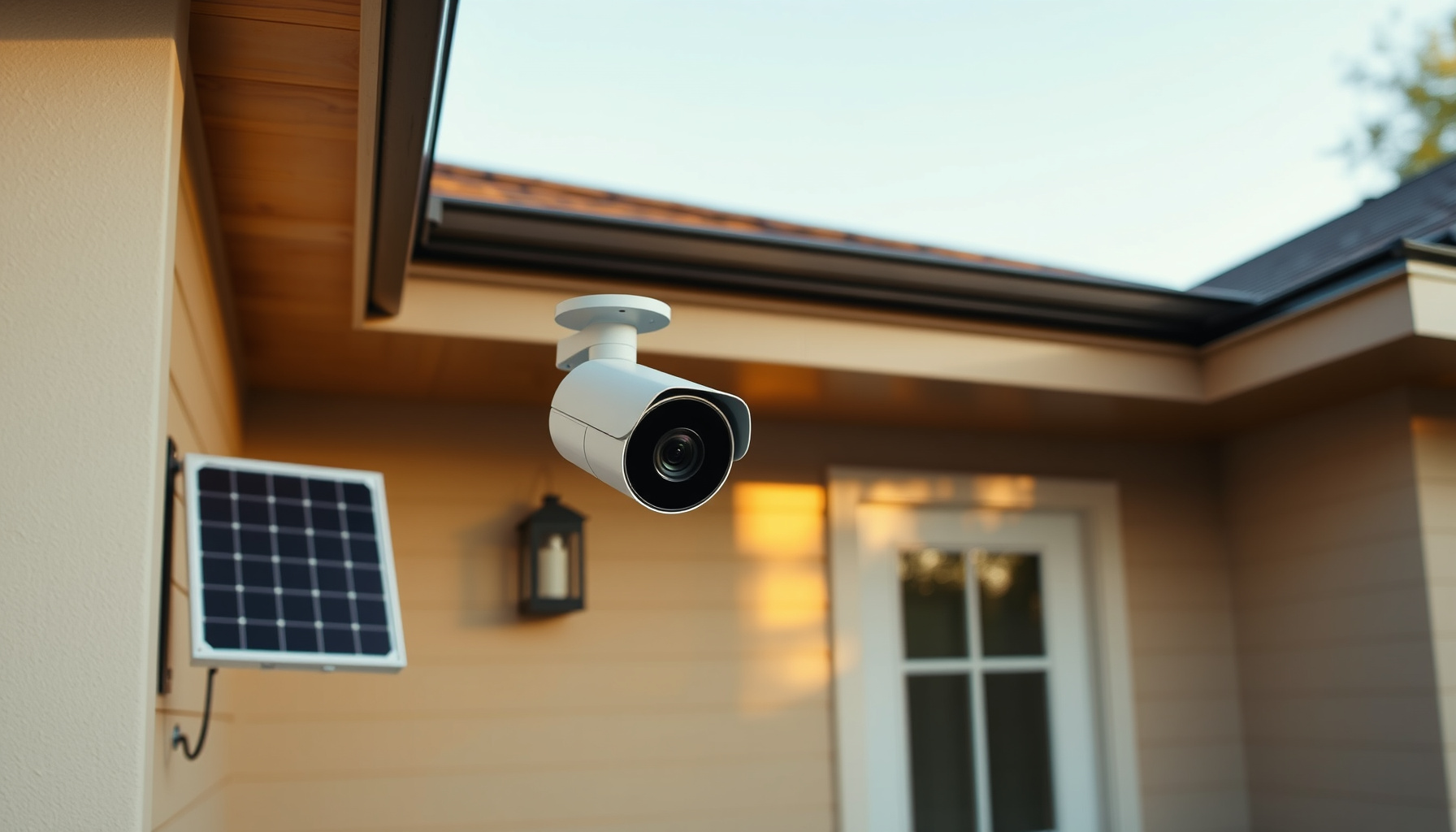
The smartest way to avoid smart-camera subscription lock-in is to choose local-first recording hardware from the start, so recurring costs stay at zero and your footage stays in your hands.
How this guide was researched: This comparison is desk research based on official vendor documentation, pricing pages, and third-party explainers fetched on 2026-09-26. No camera was installed or tested and no video pipelines were run. Every price, spec, and limitation quoted in this post is pulled from the linked official source, and the three-year subscription totals are arithmetic on those official prices rather than measured results. Re-check prices and plan names at the vendor links before purchase.
The three-year subscription tax
Subscription plans compound quietly: Ring Protect Multi costs $99.99 a year, which reaches $299.97 over three years for a single location. Arlo’s Smart Aware single-camera tier runs $9.99 a month, or $359.64 per camera across 36 months. Reolink and eufy need no subscription for local recording, so their three-year recurring cost stays at $0.
The list prices behind those totals are worth seeing side by side. Ring Protect plans run Solo at $4.99 a month or $49.99 a year for one device, Multi at $9.99 a month or $99.99 a year covering all devices at one location, Pro at $19.99 a month or $199.99 a year, and Virtual Security Guard at $99.00 a month, all plus applicable tax. Ring then layers per-camera add-ons on top: Pro Intelligence at +$5 a month per camera, which requires Solo or Multi, and 24/7 Continuous Recording at +$3 a month per camera, with those recordings temporarily stored in the cloud for up to 14 days.
Wyze service plans start with Cam Plus at $2.99 a month or $29.99 a year per camera for 14-day cloud history, then Cam Unlimited at $9.99 a month or $99.99 a year for all cameras with Friendly Faces, a multi-cam timeline, and self-monitoring, and Cam Unlimited Pro at $19.99 a month or $199.99 a year with 60-day cloud, AI Video Search, and 24/7 emergency dispatch. A Cloud 60 add-on adds another $2.99 a month per camera, which means a single camera with extended history creeps past the flat-rate plan.
Arlo Secure is the costliest entry point of this arithmetic. Smart Aware Single Camera is $9.99 a month; Smart Aware Unlimited is $19.99 a month; Smart Secure Unlimited is $29.99 a month; Ultra Secure Unlimited is $49.99 a month or $479.88 a year. That spend buys 60-day video history, AI person, animal, vehicle, and package detection, and custom detection zones — plan features, not hardware features, which is precisely the lock-in mechanism to watch.
Where footage lives: local storage vs vendor cloud
Where footage lands decides who controls it. Reolink writes to microSD up to 512GB, a Home Hub, an NVR, or FTP with no cloud account. eufy’s HomeBase S380 offers up to 16TB expandable storage without monthly fees. Ring records nothing without a plan; Arlo stores recordings in its cloud; Wyze and Tapo sit in between.
Reolink’s local storage page lists four separate paths — microSD up to 512GB, Reolink Home Hub, Reolink NVR, or FTP — and states plainly that no subscription is required for local storage. That flexibility matters: an FTP destination can sit on storage you already own, and a hub or NVR keeps recording when the WAN link drops.
eufy’s eufyCam S3 Pro page describes the HomeBase S380 as providing “up to 16TB of expandable storage without monthly fees” and adds that “Centralized security keeps your privacy securely in your hands.” The same page carries an important footnote 6: “If you choose to use cloud-based features such as Cloud Backup or push notifications with thumbnail previews, videos or thumbnail previews will be sent to the cloud as needed.” Local-first, not local-only — the distinction is in your configuration.
Ring documents the opposite default. Its plan comparison article states: “A subscription is required to review recorded video on your cameras and doorbells. Without a subscription, you can view live video and respond to alerts as they happen. Events are only recorded after you subscribe.” Motion event videos are stored in the cloud for up to 180 days — but only once you are paying.
Arlo likewise requires an Arlo Secure subscription for cloud recording and smart or AI alerts. Wyze cameras do write to an on-camera microSD card, yet Wyze’s own service plan page notes a plan is “not required but highly recommended,” because without one you lose cloud event history and smart AI detections. Tapo stores to microSD, but the card is purchased separately, and there is no hub to buy.
One caveat on the local path: hub and NVR hardware is the hidden cost. eufy’s HomeBase ships inside the 2-cam and 4-cam kits rather than as a free add-on, and Reolink’s NVR kits start at $729.99. Local storage costs more up front and nothing monthly; cloud storage costs less up front and something forever.
Local control and Home Assistant friendliness
Home Assistant support separates cameras you own from cameras you rent. Reolink’s integration is officially authorized by Reolink and keeps working with the internet blocked, handling 4K h265 RTSP plus local event pushes over TCP and ONVIF. Generic IP cameras can use Home Assistant’s ONVIF integration, and Frigate provides a vendor-free local NVR with local AI.
The Home Assistant Reolink integration is explicit: the integration is “officially authorized by Reolink,” the cameras “can operate fully locally on your network,” and with the internet blocked, the Home Assistant integration and the Reolink app or client “will continue to work as usual.” It also documents RTSP support for 4K h265 streams and local event push via TCP push and ONVIF push, which keeps automations responsive without a vendor relay in the path.
For any other brand of IP camera, the Home Assistant ONVIF integration covers generic devices, so the vendor’s own app becomes optional rather than mandatory. One practical caveat: h265 streams save storage and bandwidth, but playback depends on your client supporting that codec.
Frigate is the vendor-free end of the spectrum — an open-source NVR with real-time local AI object detection where, in its own words, “All processing is performed locally on your own hardware, and your camera feeds never leave your home.” It integrates with Home Assistant, OpenHab, NodeRed, and MQTT. Frigate+ exists as an optional paid add-on for custom models, which is the honest shape of an add-on: optional.
eufy stays local-first while keeping the cloud fallback described in footnote 6, so its behaviour depends on which optional features are enabled. Ring and Arlo have no equivalent local path; their recordings exist only in vendor cloud, and only while a plan is active.
24/7 recording reality
True continuous recording requires wired power and a recorder. Reolink’s PoE NVR kits — RLK8-1200B4-A at $729.99 and RLK16-1200D8-A at $1499.99 — record 24/7 locally. Battery cameras such as the Argus 4 Pro are motion-triggered by design, while Ring offers continuous recording only as a $3 per month per camera cloud add-on.
On the Reolink local storage page, the RLK8-1200B4-A kit is a 12MP, 2TB, 8-channel PoE system at $729.99, and the RLK16-1200D8-A is a 12MP, 4TB, 16-channel system at $1499.99 — both built for 24/7 continuous local recording. Wired PoE cameras are also listed: the Duo 3 PoE at 16MP with a 180° view for $209.99, and the OMVI 3i PoE at 10MP dual-lens with a 180° view for $329.99. A Home Hub plus Argus PT Ultra kit is listed at $299.99 for those who want centralized local storage without a full NVR rack.
At the other end, Ring sells 24/7 Continuous Recording at +$3 a month per camera, with recordings temporarily stored in the cloud for up to 14 days. Continuous then becomes both a bandwidth and a billing question: the footage leaves the property and the fee renews every month. With a Reolink NVR, the same coverage window is a hardware purchase that never renews.
Cable-free contenders: battery, solar, detection
Cable-free cameras trade continuity for placement freedom. The eufyCam S3 Pro leads on endurance with a 13,000mAh battery, SolarPlus 2.0, up to 365 days, and dual radar plus PIR detection up to 40 ft. Tapo’s C425 claims up to 300 days in TP-Link lab conditions with a 150° view. The Reolink Argus 4 Pro counters with a 180° dual-lens view.
The eufyCam S3 Pro pairs 4K UHD with MaxColor Vision — a 1/1.8“ stacked CMOS, F1.0 aperture, and AI ISP delivering full-color night vision without a spotlight — plus SolarPlus 2.0 solar charging, a 13,000mAh battery rated for up to 365 days, and dual radar plus PIR detection covering 40 ft at a 120° field of view.
The Tapo C425 MagCam offers 2K QHD, up to 300 days of battery under TP-Link lab conditions (230 seconds of daily use, or 180 days at 360 seconds daily), a 150° field of view, IP66 weather rating, microSD storage with the card purchased separately, Tapo A202 solar panel support, a magnetic mount, and no hub requirement.
The Reolink Argus 4 Pro is the widest-view option: 4K dual-lens at 5120×1440 (8MP) and 15fps, 180° horizontal FOV, ColorX full-color night vision (F/1.0, 1/1.8“ CMOS), a 5000mAh battery with the Reolink Solar Panel 2 (6W), dual-band Wi-Fi 6, IP66, microSD up to 512GB, Home Hub compatibility, PIR detection to 10m at 170°, Google Assistant and Alexa support, listed at $214.99. Its recording is motion-triggered — battery cameras are not 24/7 by design.
Side-by-side comparison
The table below distills six ecosystems across the axes that matter for avoiding lock-in: where recordings live, what three years of ownership costs in recurring fees, whether continuous recording is possible, and how each system connects to a local smart-home hub.
| Ecosystem | Local recording path | 3-year recurring cost | 24/7 capable | Smart-home path |
|---|---|---|---|---|
| Reolink | microSD up to 512GB / Home Hub / NVR / FTP | $0 | Yes (PoE NVR kits) | HA integration officially authorized, RTSP h265, ONVIF/TCP push |
| eufy | HomeBase S380, up to 16TB | $0 recurring | No (battery) | Local-first, optional cloud per footnote 6 |
| Wyze | on-camera microSD, cloud for AI | $299.97 all cameras / 3 yr | No | cloud-dependent AI |
| Tapo | microSD (card sold separately) | $0 recurring (cloud optional) | No | any ONVIF/RTSP client |
| Ring | vendor cloud only | $299.97 per location / 3 yr | Yes, +$3/mo per camera add-on | cloud-only, no local path |
| Arlo | vendor cloud only | $359.64 per camera / 3 yr | No | cloud-only, Arlo Secure required |
Verdict: best pick by use case
Reolink is the clear winner for zero-subscription local control with 24/7 PoE recording; eufy wins for cable-free endurance; Wyze offers budget on-camera microSD with optional cloud; Tapo is the cheapest hub-free path; Ring and Arlo only make sense if you accept recurring fees for vendor cloud simplicity.
Best zero-subscription all-rounder: Reolink. Four local storage paths, no subscription requirement, and an officially authorized Home Assistant integration that keeps working with the internet blocked make it the broadest local-first choice.
Best 24/7 wired local NVR: Reolink PoE NVR kits. The RLK8-1200B4-A ($729.99, 2TB, 8-channel) for a typical home, the RLK16-1200D8-A ($1499.99, 4TB, 16-channel) for a larger property, with the Duo 3 PoE at $209.99 as a wide-angle wired camera.
Best cable-free endurance: eufyCam S3 Pro. 13,000mAh, SolarPlus 2.0, up to 365 days, and radar-plus-PIR detection to 40 ft, with the HomeBase S380 holding up to 16TB without monthly fees.
Budget local-microSD with optional cloud: Wyze or Tapo C425. Wyze writes locally to microSD but leans on the cloud for AI and history; Tapo’s C425 keeps costs low, needs no hub, and runs on microSD you buy yourself.
Only pick cloud if: you accept Ring’s $299.97 per location over three years, or Arlo’s $359.64 per camera over three years, in exchange for vendor-managed storage and AI features maintained by someone else.
FAQ
Three questions decide most purchases here: whether a subscription is mandatory, whether battery cameras can record continuously, and what keeps running during an internet outage. The short answers below come straight from vendor documentation, without hands-on claims, so you can match each camera’s real limits to your home.
Do I really need a subscription for any of these cameras?
Not for local recording. Reolink records to microSD, Home Hub, NVR, or FTP with no subscription required, and eufy records locally to the HomeBase S380 without monthly fees — though enabling eufy cloud features sends footage to the cloud as needed per its footnote 6. Ring is the opposite: events are only recorded after you subscribe, and without a plan you get live video and alerts only. Arlo requires an Arlo Secure subscription for cloud recording and smart or AI alerts. Wyze works without a plan, but Wyze says a plan is “not required but highly recommended” because you lose cloud event history and smart AI detections.
Can a battery camera record 24/7?
No. Continuous recording requires wired power and a recorder, which is why the Reolink Argus 4 Pro is motion-triggered by design — as are the eufyCam S3 Pro, the Tapo C425, and Ring’s battery devices. For genuine 24/7 coverage, use a PoE NVR kit such as the RLK8-1200B4-A or RLK16-1200D8-A, which record continuously to local storage. Ring offers 24/7 Continuous Recording only as a +$3 per month per camera add-on, with recordings temporarily stored in the cloud for up to 14 days.
Which cameras keep recording if the internet goes down?
Reolink does. Home Assistant documents that with the internet blocked, both the integration and the Reolink app or client “will continue to work as usual,” and local recording to microSD, Home Hub, NVR, or FTP continues independently of the WAN. eufy local recording continues as long as cloud features are not the destination for that footage. Ring and Arlo store recordings in vendor cloud, so both the subscription and an internet connection are prerequisites for recorded video — Ring’s own support text confirms events are only recorded after you subscribe, and Arlo requires Arlo Secure for cloud recording.
📖 Related Reads
- ToolBrain — tool reviews, LLM comparisons, and AI workflow guides
Cross-links automatically generated from SmartHome Field Guide.
← Back to guides